

Otter.ai: The smart secretary that takes notes for you at every meeting
Never lose important information again
Have you ever been in an important meeting and desperately trying to write down everything that's being said? It's stressful. If you're writing, you're not paying attention to the discussion. If you're paying attention to the discussion, you forget the details. It's a vicious cycle. But in 2025, we have a solution.
It's called Otter.ai. It's an assistant that listens to the meeting and writes everything down for you, in real time. Want to discover other productivity tools? Read our list of top 20 free AI robots in 2025.
What is Otter.ai and how does it work?
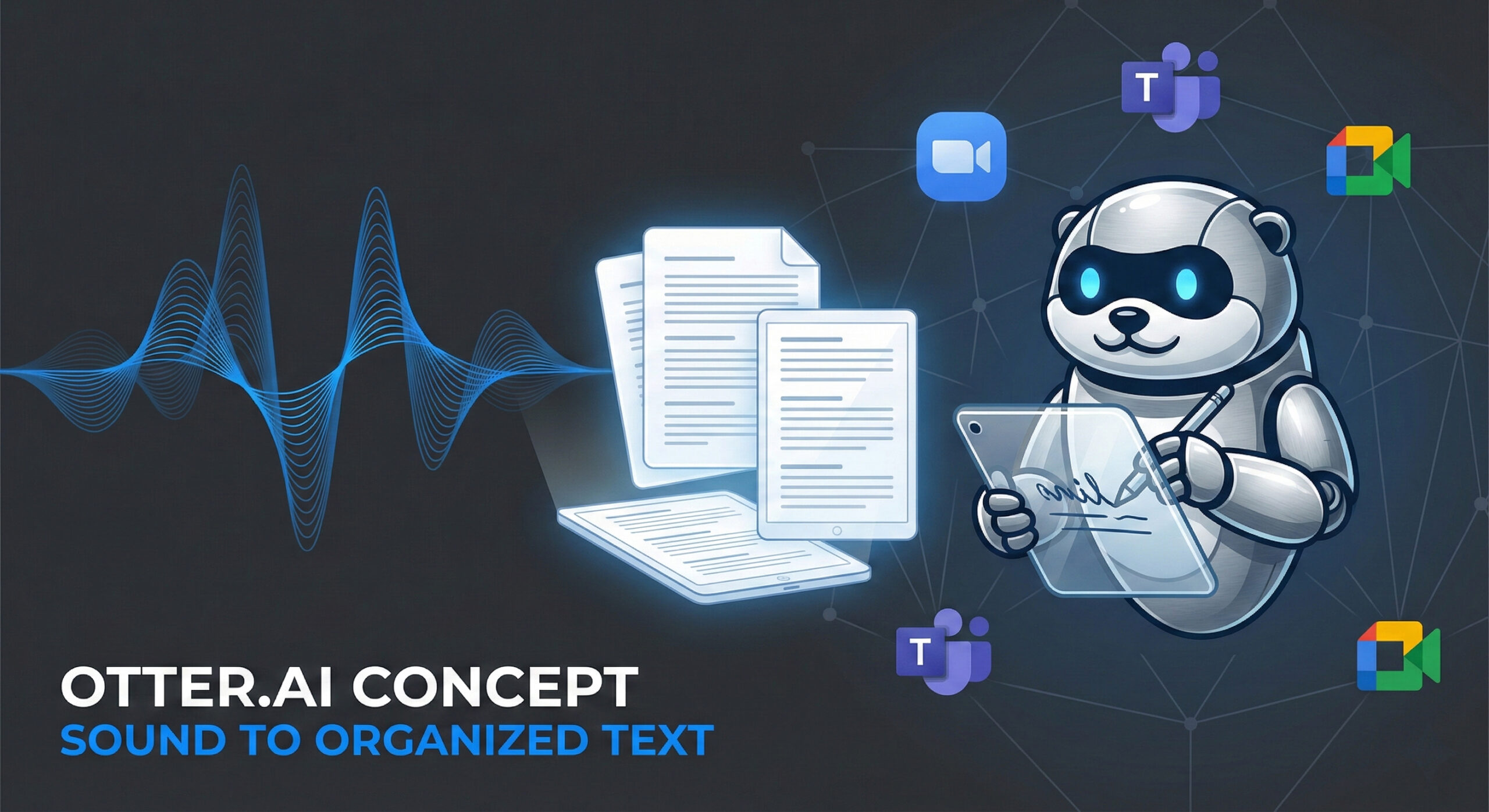
Otter is an intelligent transcription app. It's not just a voice recorder. It understands the human voice and turns it into text on your screen, even as the person is speaking. Here are its superpowers:
- Speaker Identification: Otter is smart. He knows who is talking. In the final text, you will clearly see: "John: Hello!", followed by "Mary: Good morning!". There is no more confusion about who said what.
- OtterPilot: This feature is brilliant. You can connect Otter to your Google or Outlook calendar. When you have a meeting on Zoom, Teams, or Google Meet, Otter will automatically join the meeting (even if you're late) and start taking notes.
Functions that save you hours of work
Otter doesn't just write, it also synthesizes information. Here's how it helps you be more efficient:
- Automatic summary: After an hour-long meeting, you don't have time to read 10 pages of text. Otter generates a short email with the key points and decisions made. You read the essentials in 2 minutes.
- Search in audio: Forgot what was discussed about the budget? Type "budget" in the search bar. Otter takes you to the exact second in the recording where that word was said.
- Automatic Screenshots: If someone is presenting an important slide on Zoom, OtterPilot can take a picture and automatically insert it into your notes.
Who needs Otter.ai?
This application is a lifesaver for many professionals:
- Students: You can record your teachers' lectures. This way, you can focus on understanding the lesson, knowing that you have all the text saved for the session.
- Journalists: Transcribing interviews is the most boring part of the job. Otter does it automatically.
- Managers and corporate executives: "Meeting minutes" are ready as soon as you hang up the call. No more wasting time writing reports.
Free vs. Paid: How much do you talk?
Their model is very beginner-friendly.
- Free version (Basic): You get 300 minutes of transcription per month. You can record conversations of up to 30 minutes each. It's perfect for students or short meetings.
- Pro Version: If you have long and frequent sessions, the subscription offers you 1200 minutes per month and advanced search and export functions.
Otter in your business
Clear communication is the foundation of any successful business. With Otter, no good idea is lost in the air. Everything is documented and easy to find. Team efficiency increases immediately.
However, internal efficiency must be doubled by a strong external image. How do you present yourself to your customers? Does your website communicate as clearly? Our team offers you online web marketing services. We help you convey the right message to the market.
Conclusion
Otter.ai is the perfect secretary: it doesn't get tired, it doesn't forget anything, and it works for free (up to 300 minutes). If you want to get rid of pen and paper in meetings, sign up today.
Do you want to completely digitize your company's workflow? Don't know what other AI solutions can help you? Visit our contact page. We are here to offer you advice.
This guide is part of our series of resources dedicated to Artificial Intelligence. For an overview of the most effective solutions on the market, see the article Top 20 free AI robots for 2025.

Leave a reply