

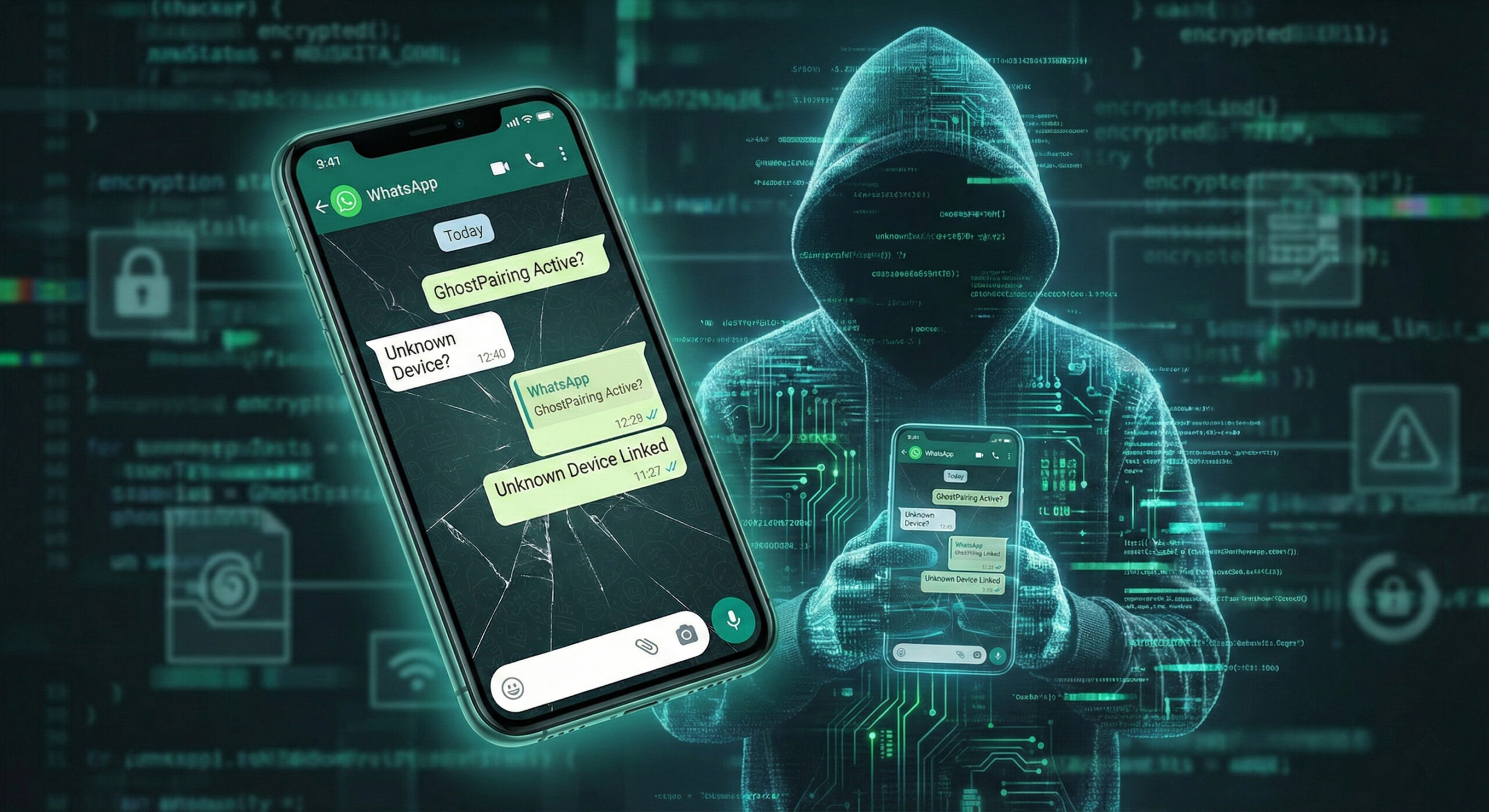
GhostPairing: How hackers read your WhatsApp messages without you realizing it
You wake up in the morning, make your coffee, and open WhatsApp. Everything seems normal. You talk to your family, send memes to your colleagues, and go about your daily life. But what if I told you that while you're quietly typing, someone else is reading everything you write in real time?
It's not a movie script, but the reality of 2026. This new attack method is called GhostPairing and it's much more dangerous than old viruses, because it's almost invisible. At Altanet Craiova we want to help you stay safe, so we'll explain in simple terms how it works and how to protect yourself.
What is GhostPairing and why is it different?
Until now, if a hacker broke into your account, you usually lost access to it. You couldn't log in anymore and you immediately knew something was wrong. GhostPairing is much more cunning.
Instead of logging you out of your account, the hacker just "pulls up a chair" next to you. He connects a second device to your WhatsApp account, just like you would connect WhatsApp Web on your laptop. You continue to use the app normally, and he sees all your history and new messages, without needing your password.
How does the trap work? (Classic scenario)
It all starts with a moment of inattention. Here are the steps you can take to get scammed:
- The Trap Message: You receive a message from a friend (whose account has already been compromised). The message is usually something tempting, like: "Look at this funny picture I found of you!" or "Vote for me in this contest."
- The fake link: You click on the link and you end up on a page that looks exactly like Facebook or WhatsApp. You are asked for your phone number for "verification".
- The fatal code: An official code from WhatsApp appears on your phone. The fake site asks you to enter that code to see the picture. The moment you typed the code, the hacker connected his phone to your account.
How do you check if you are being spied on?
Fortunately, there is a very simple method by which you can detect intruders, right now. You don't need special programs, just attention.
- Open the WhatsApp application on your phone.
- Go to Settings (on iPhone) or the three dots in the top right (on Android).
- Click on Linked Devices.
Here you will see a list of all the computers or tablets where your account is active. If you see a device you don't recognize (for example "Google Chrome on Windows", even though you only have a phone), it means you are a victim of GhostPairing. Click on it and choose Log out immediately.
How do you protect yourself in the future?
Prevention is key. Here are three simple rules for 2026:
- Don't click on suspicious links: Even if they come from your best friend. If the style of the message is strange, call him and ask if he sent it.
- Don't share SMS codes: WhatsApp will never ask you to send your 6-digit code to anyone else. That code is the key to your digital home.
- Enable Two-Step Verification: From WhatsApp settings, you can set an additional PIN. This way, even if the hacker tricks you, they won't be able to connect to your device without that PIN.
For more technical details about device management, you can also consult the official WhatsApp guide.
Conclusion
Technology helps us stay connected, but it also exposes us. GhostPairing is just one of the modern risks, but if you're vigilant, you have nothing to fear. Check the list of devices today and rest assured.
If you suspect that your data security has been compromised or if you own a business and want to make sure that your employees don't fall into such traps, we can help. We offer complete IT consulting and security services. Visit our contact page for a discussion.
This material is part of Altanet's educational series on digital security. Want to know what other risks you are exposed to this year? See Complete list of cyber threats in 2026.

Leave a reply