

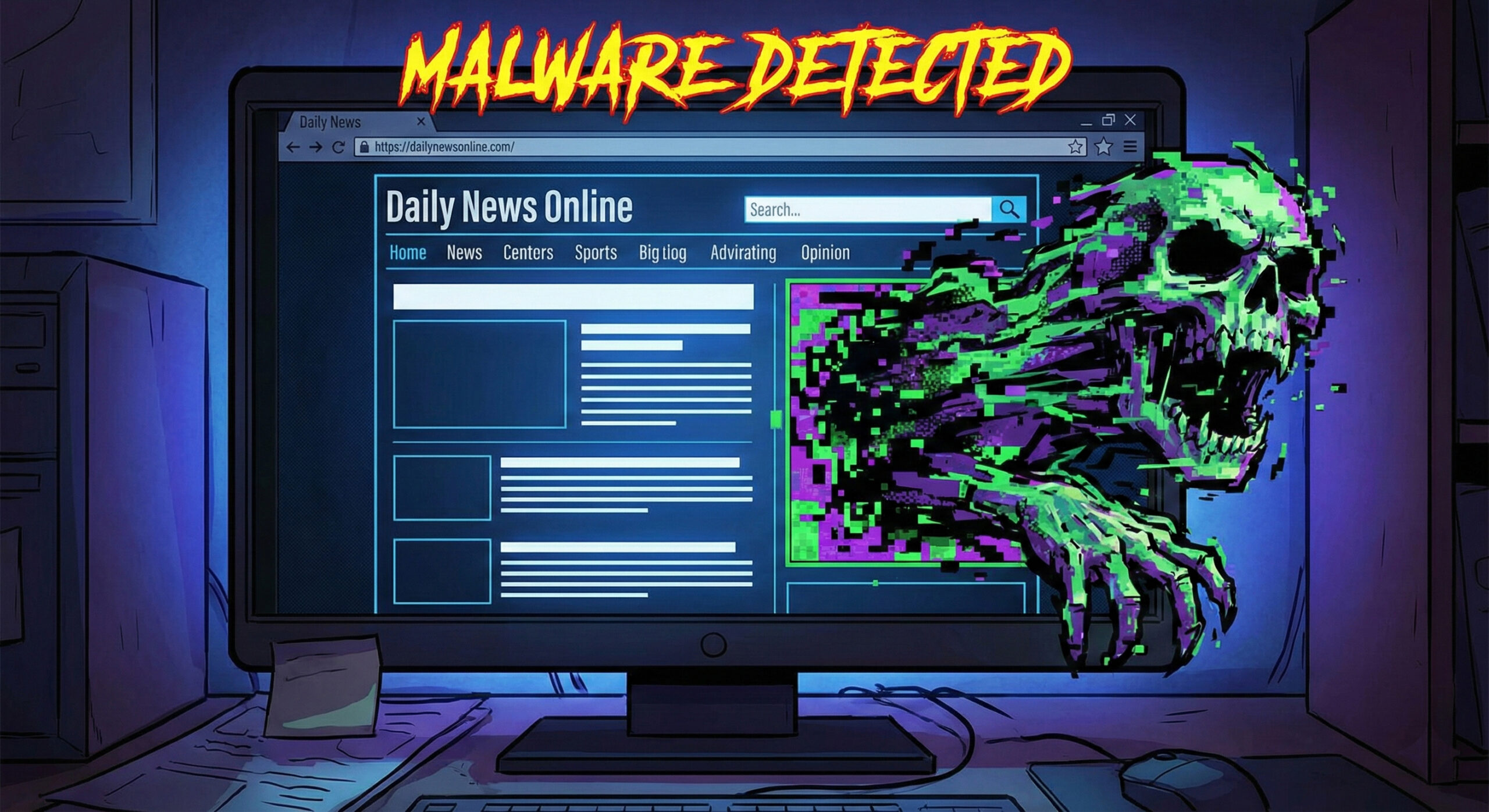
Malvertising: When ads on your favorite sites attack you without warning
There is a misconception that viruses are only picked up from adult websites or torrents. "I only read news and sports, I'm safe," you tell yourself. Unfortunately, in 2026, this rule no longer applies.
Hackers have found a way to infect even the most respectable websites without their owners knowing. The phenomenon is called Malvertising (Malicious Advertising) and it is the reason why your computer can get infected while you are drinking your coffee and reading the online newspaper. At Altanet Craiova we explain how this "Trojan horse" of marketing works and how to block it.
What is Malvertising and how does it get on good websites?
Big news sites don't run their own ads. They rent space from giant ad networks. Hackers take advantage of this loophole. They create an ad that looks legitimate (for example, an ad for shoes or cleaning software) and pay to run it.
Initially, the ad is clean. But after it is approved and starts appearing on websites visited by millions of people, hackers modify the code behind it. Suddenly, the harmless banner becomes a weapon.
The Invisible Danger: "Drive-by Download"
The scariest part of Malvertising is that, in some cases, you don't have to click on the ad to get infected. The page just needs to load.
- Silent attack: The ad contains a script that scans your browser for old (unpatched) versions. If it finds a vulnerability, it forces a virus to be downloaded in the background.
- Scare Attack: Sometimes, the ad displays a giant message: "Your computer is infected! Click here to clean it." Obviously, if you click, you download the very virus you were trying to get rid of.
How do you protect yourself from toxic ads?
Since you can't distinguish a good ad from an infected one with the naked eye, you need a digital shield:
- Install an AdBlocker: This is the most effective method. Extensions like uBlock Origin block ads from loading, completely eliminating the risk. You don't see the ad, you don't get the virus.
- Update Your Browser and Plugins: Drive-by attacks only work if you have old software. Make sure Chrome, Firefox, or Edge are up to date. Disable old plugins like Flash or Java if you still have them.
- Use a good Antivirus: A modern antivirus can detect malicious traffic coming from an advertisement and block the connection before the virus reaches your hard drive.
For technical details on how hackers manage to infiltrate advertising networks, you can read CrowdStrike's explanation of Malvertising.
Conclusion
The internet is funded by advertising, but when it becomes an attack vector, we need to protect ourselves. A simple AdBlocker is not just a way to get rid of annoying ads, but an essential security measure.
If you suspect that a company computer has been compromised or you want to implement network-level traffic filtering solutions, we are here. Our team offers professional IT services. Visit our contact page and secure your browsing.
This material is part of Altanet's educational series on digital security. Want to know what other risks you are exposed to this year? See Complete list of cyber threats in 2026.

Leave a reply