

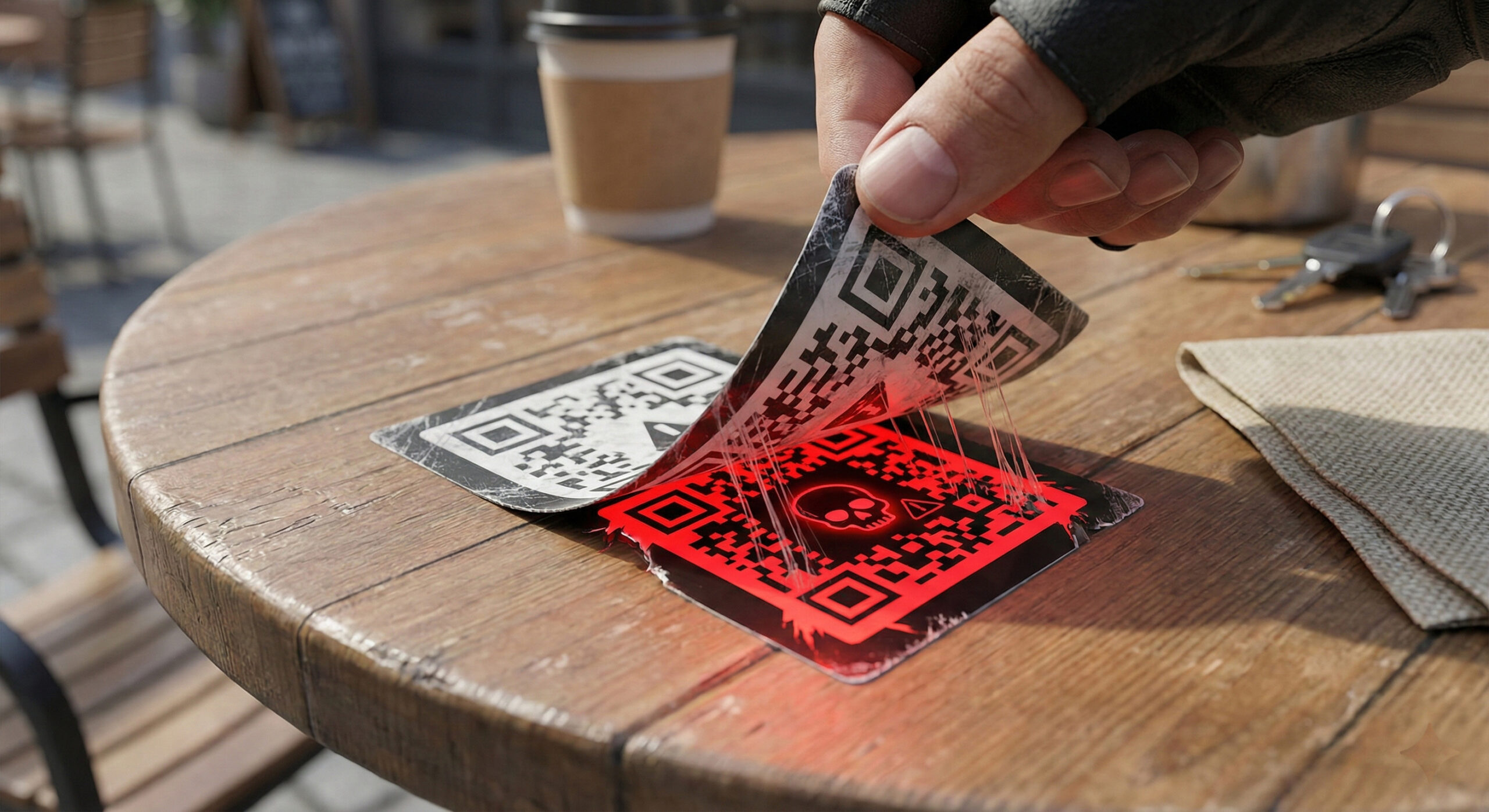
Quishing: How hackers steal your data through a simple QR code when you scan the menu
Since the pandemic, we've gotten used to seeing those black and white squares everywhere. We scan them to see the menu at a restaurant, pay for parking, or connect to Wi-Fi. It's convenient and fast, right? Well, that's exactly what hackers are counting on in 2026.
The new fraud method is called Quishing (a combination of "QR" and "Phishing"). At Altanet Craiova we have noticed an increase in these attacks in public spaces and we want to teach you how to distinguish a useful code from a dangerous trap.
What is Quishing and how does the "sticker attack" work?
Unlike complicated viruses that require programming, Quishing is frighteningly simple and physical. The hacker doesn't hack the restaurant's server. He just prints his own QR code on a sticker and sticks it over the original code on the table or parking meter.
You take out your phone, scan the code on the table, convinced that you will see the menu of the day, but you are redirected to a fake website. There you are asked to "confirm your age" by entering your Facebook data or to "pay a small fee" by entering your card details. The second you hit Enter, the hacker has everything.
Where are you most exposed to this risk?
Hackers choose crowded places, where people are in a hurry and not paying attention:
- Public parking meters: This is a favorite haunt for scammers. They paste a fake code that says "Scan here to pay for parking online." The website looks identical to the city hall's, but your money goes somewhere else.
- Restaurant menus: If the menu is stuck directly on the table, check to see if there is another layer of paper stuck on top of it.
- Bus poles and stops: Posters promising "Competitions with prizes" or "Free Wi-Fi" if you scan the code.
How do you scan safely? (Golden rules)
You don't have to stop using technology, but you do need to be a little more suspicious. Here's what to do before you pick up the phone:
- Tactile test: Before scanning, run your finger over the code. If you feel the edges of a sticker stuck over the original poster, DO NOT scan it. Notify the location staff immediately.
- Preview the link: Most modern phones show you a small text with the website address before opening it. If you scan a menu and the link is bit.ly/kjsd83 instead of restaurant-name.ro, it's a trap.
- Avoid direct payments via QR: If you can, use the official parking app or pay at home. It's much safer than a website opened from a code found on the street.
To see how widespread this phenomenon is and how authorities are reacting, you can read the warnings issued by Kaspersky about the dangers of Quishing.
Conclusion
A QR code is just a shortcut to a website. If you wouldn't click on a suspicious link received via SMS, you shouldn't scan a suspicious code stuck on a pole. Be vigilant and watch out for overlapping "stickers".
Do you want to educate your employees about physical and digital security risks? Our team offers consulting and complete IT services for companies. Visit our contact page and protect your business.
This material is part of Altanet's educational series on digital security. Want to know what other risks you are exposed to this year? See Complete list of cyber threats in 2026.

Leave a reply