

SIM Swapping: The Nightmare Where You Suddenly Have No Signal and No Money in Your Account
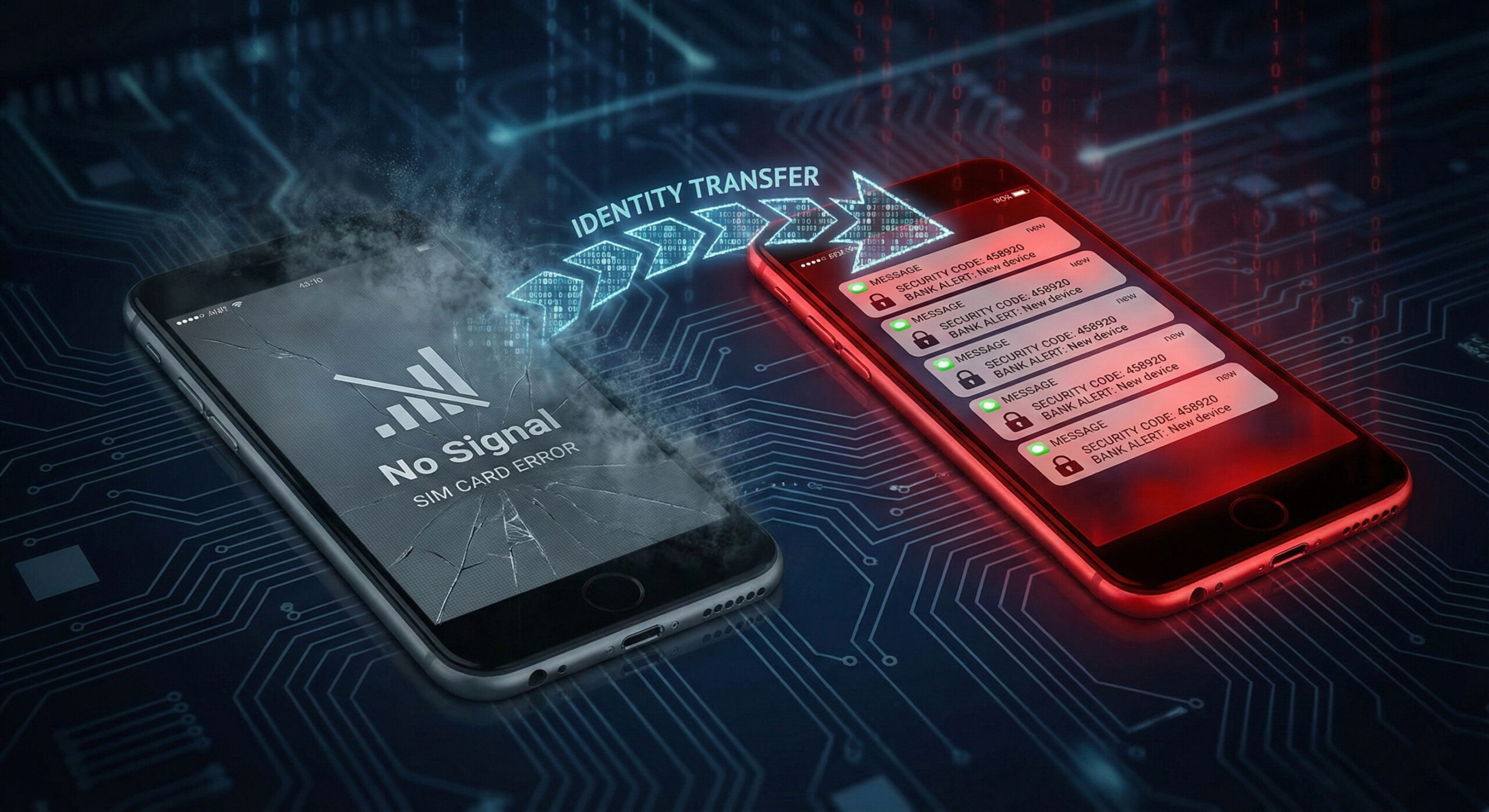
Imagine the scene: you're in the city, you want to call someone, but your phone shows "No Signal". You think it's a network problem or that you forgot to pay the bill. You wait another hour, you restart, but nothing changes. In reality, at that moment, someone has just stolen your digital identity.
This attack is called SIM Swapping and is one of the most devastating fraud methods of 2026. At Altanet Craiova we want you to know exactly what to do if this happens to you, because every minute counts.
What is SIM Swapping and how is it possible?
Your phone number has become, without wanting it, the key to all your accounts. When you want to change your Facebook password, where do you get the code? By SMS. When you make an online payment, where does the confirmation come from? By SMS. Hackers know this.
SIM Swapping doesn't mean someone physically steals your phone from your pocket. It means a hacker convinces your mobile operator (Orange, Vodafone, Digi, etc.) that they are "you".
How the attack works (Step by step)
It's simpler than you think and is based on social engineering, not viruses:
- Data collection: The hacker learns your full name, date of birth, and address (usually from old data leaks or from Facebook).
- Calling the operator: Call your operator's customer service and say: "Hi, I lost my phone and I need to move the number to a new SIM card, which I already have in hand."
- Scam: Using your personal details, answer the operator's security questions. If the support agent is fooled, he activates your number on the hacker's card.
- Result: Your phone instantly loses signal (your card is deactivated). The hacker's phone receives signal and, with it, all your SMS codes from the bank.
Warning signs
Unlike other viruses that lie hidden, here the effect is immediate:
- Total loss of signal: If you're in an area where you always have signal and suddenly "No Service" or "Emergency Calls Only" appears, it's a bad sign.
- Password reset notifications: If you receive email notifications that your Instagram or banking app password has been changed, but you did not request this.
How do you protect yourself from number theft?
Fortunately, you can protect yourself before it happens. Here are the essential measures:
- Drop SMS for authentication: SMS is insecure. Use apps like Google Authenticator or Microsoft Authenticator. These generate codes on your phone, which can't be intercepted if someone steals your number.
- Set a PIN with your carrier: Call your phone company and ask them to add an additional PIN or verbal password to your account. No one can make changes (or change your SIM) without that code.
- Be discreet online: Don't put your phone number publicly on social media and don't answer quizzes that ask for your date of birth or your pet's name.
To better understand the technical details behind this type of attack, you can consult the explanations provided by security experts such as Microsoft on SIM Swapping threats.
Conclusion
Your phone number is more valuable than your wallet. If you are suspiciously out of signal, don't wait. Call the operator on another phone immediately. The speed of response can save your savings.
Do you want to secure your company accounts and implement authentication solutions that do not depend on SMS? Our team offers consulting and specialized IT services. Visit our contact page and let's talk.
This material is part of Altanet's educational series on digital security. Want to know what other risks you are exposed to this year? See Complete list of cyber threats in 2026.

Leave a reply