
Typosquatting: When a single wrong letter sends you into the arms of hackers
Have you ever wanted to log into Facebook or Google, typed in the address in a hurry, and hit Enter, only to realize you missed a letter? Usually, your browser corrects you. But sometimes, you end up on a site that looks exactly like the original, but behaves strangely.
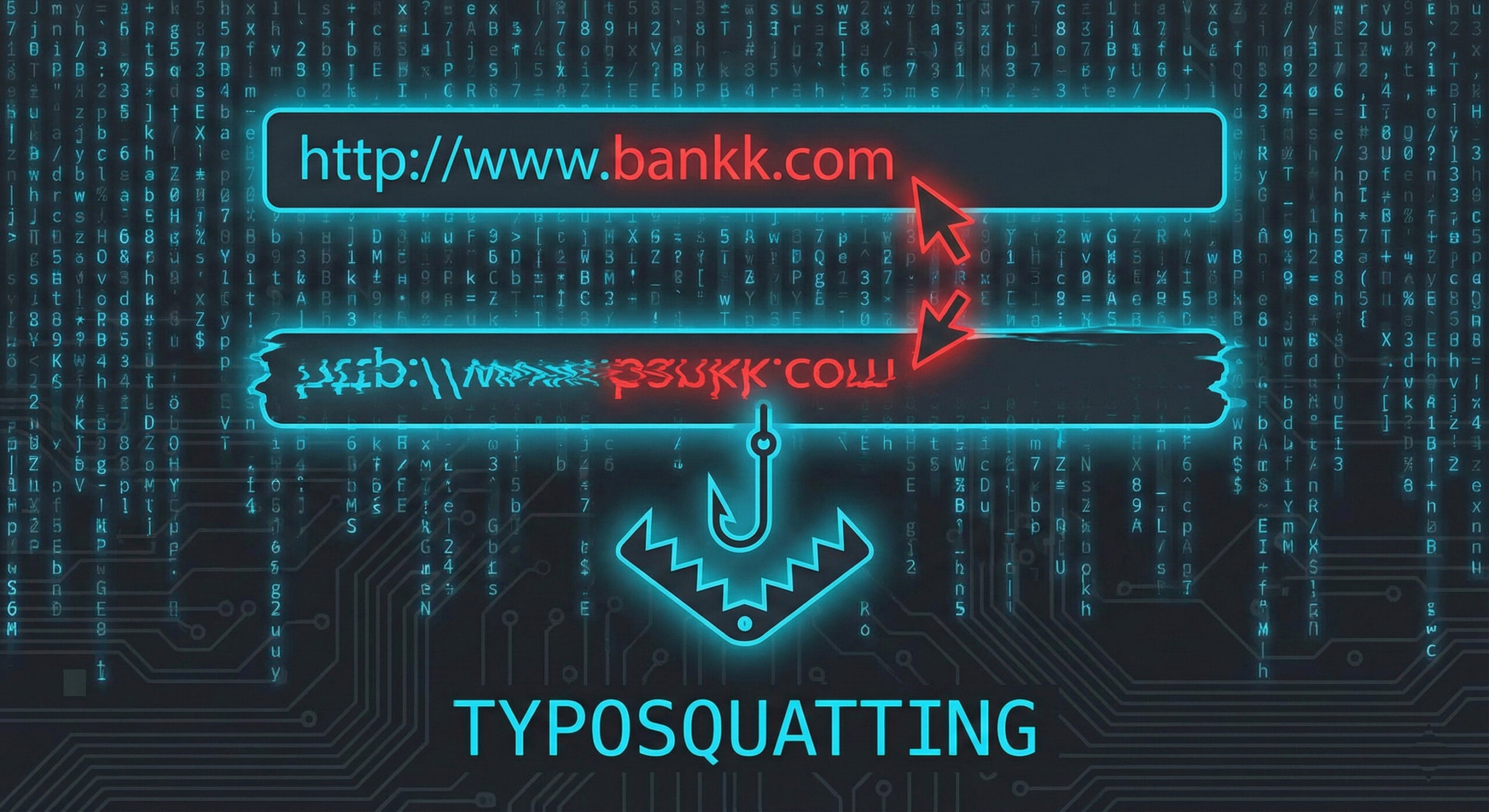
This is not a simple technical error, but a deliberately set trap. The phenomenon is called Typosquatting (or "URL Hijacking") and is one of the oldest and most effective methods of data theft. At Altanet Craiova we know that speed is the enemy of security, so we explain how not to fall into this invisible net.
What is Typosquatting and how does it take advantage of your inattention?
The name comes from the combination of the words "Typo" (typing error) and "Squatting" (to occupy an abusive place). Hackers buy thousands of web domains that closely resemble popular ones, betting on the fact that users will make mistakes when typing.
For example, if the real site is example.com, a hacker could buy:
- Omission of a letter: xemplu.com
- Reversal of letters: example.com
- Wrong extension: example.co instead of .com
Why is it so dangerous?
If you land on such a site, hackers don't greet you with a black screen and skulls. On the contrary, they perfectly copy the design of the original site (your bank, your favorite online store, or your work login page).
You think you're in the right place, you enter your username and password, and the site gives you an "error" or redirects you to the real page. But the damage is done: hackers have already saved your data. Sometimes, these sites can even try to install viruses under the guise of "urgent updates."
How do you protect yourself from clone sites?
The solution is not to type slowly like a snail, but to use the browser's smart tools:
- Use Bookmarks: Don't manually type the address of your bank or critical platforms every time. Save them in your favorites bar and access them with a single click. It's the safest method.
- Check the address bar: Before you enter your password or card details, look up. Is the website name spelled correctly? There's that security padlock (HTTPS), but be careful – hackers can have a padlock too! Strictly check the domain name.
- Beware of Google searches: Sometimes hackers pay for ads to make their misspelled sites appear first in the list. Don't blindly click on the first result marked "Sponsored" if the name looks strange.
To understand the technical mechanism by which attackers register these similar domains, you can consult the security library at Kaspersky about Typosquatting.
Conclusion
In the digital age, a plus or minus letter can make the difference between a secure account and a hacked one. Pay attention to details and take your time when it comes to your sensitive data.
Do you need web filtering solutions for your company that automatically block employees' access to dangerous sites? Our team offers IT services of managed security. Visit our contact page and let's talk.
This material is part of Altanet's educational series on digital security. Want to know what other risks you are exposed to this year? See Complete list of cyber threats in 2026.

Leave a reply