

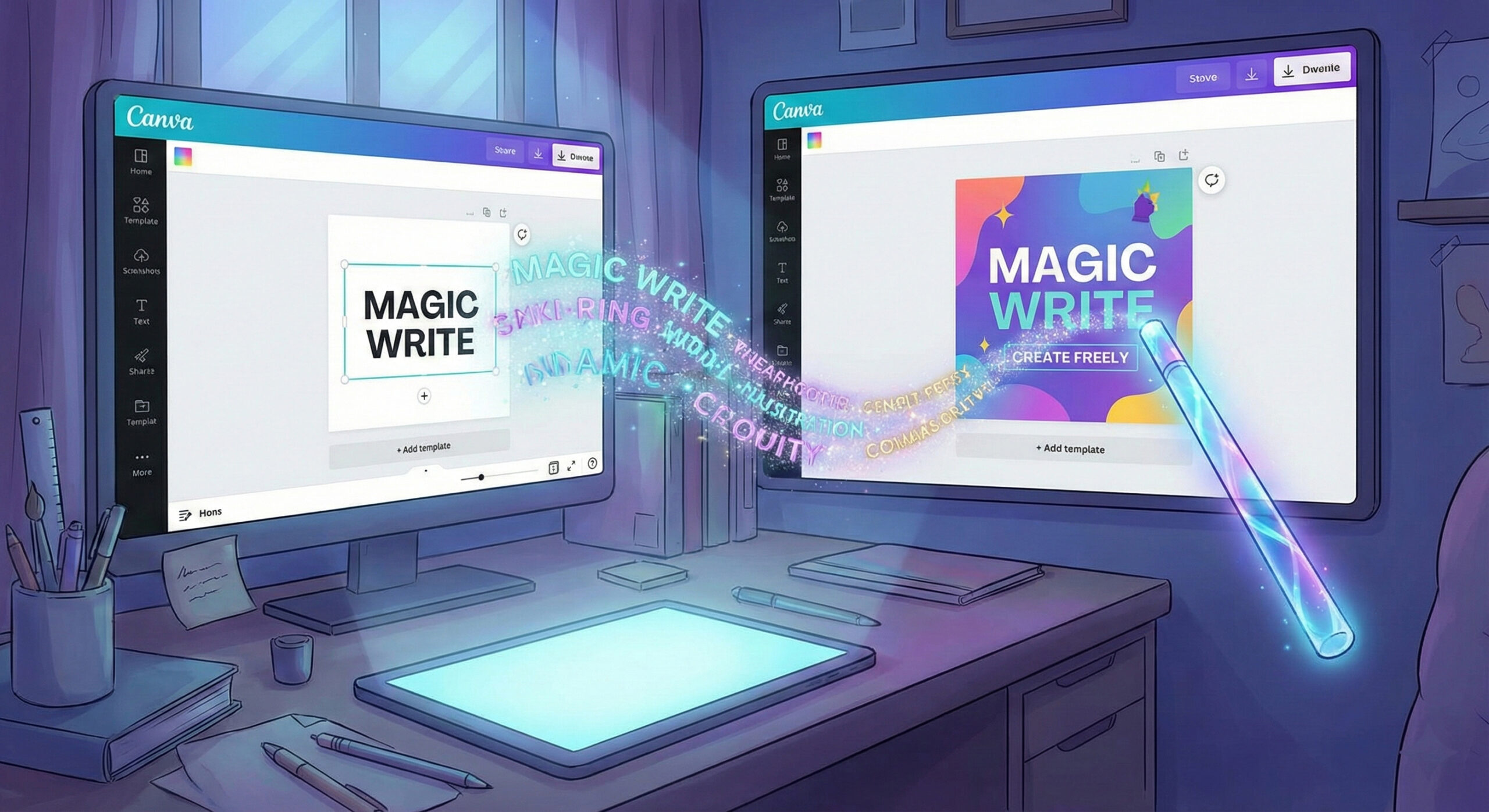
Canva Magic Write: The AI assistant that writes text directly into your designs
When design meets words
We all love Canva because it helps us create beautiful designs quickly. But how many times have you created a great image for Facebook and then gotten stuck? You looked at it and didn't know what text to put in it. "What should I write in the description? What should I title it?".
Now, Canva has solved this problem too. They've launched Canva Magic Write. It's a smart writer integrated directly into your favorite editor. Want to see other creative tools? Read our list of top 20 free AI robots in 2025.
What is Magic Write and how does it work?
Magic Write uses the same powerful technology behind ChatGPT (GPT-3 and GPT-4), but brings it to the visual world. No more having to keep two windows open. No more copying text from ChatGPT to paste into Canva.
- Everything in one place: Are you in the middle of a poster? You press a button and ask for a title. The robot writes directly on your poster.
- Understanding Format: Magic Write knows the difference between a formal document and an Instagram post. It adapts the length and tone of the text based on the project you're working on.
Functions that make your work easier (Examples)
This tool turns any amateur into a complete content creator. Here are some scenarios where it saves you:
- Social Media Descriptions: You upload a picture of a coffee. You tell Magic Write: "Write a funny description about your Monday morning coffee." It instantly generates 5 options for you.
- Brainstorming ideas: Need to give a presentation about sales? Ask him: "Give me 5 key points about increasing online sales." He will structure your slides for you.
- Text Rewriting (Magic Switch): Have you written too long a text and it doesn't fit in the text box? Select it and choose "Summarize". The text becomes shorter and fits perfectly into the design.
Where can you use it in Canva?
At first, it was only available in Canva Docs. Now it's everywhere:
- Canva Docs: It's their Word-like text editor. Here you can write entire blog posts with the help of AI.
- Presentations: Helps you fill your slides with relevant information, not just images.
- Social Media and Websites: You can generate impactful headlines (hooks) that stop people from scrolling.
Free vs. Pro: Do you need a subscription?
Canva is generous, but it has its limits.
- Free users: Have access to Magic Write, but with a fairly low "lifetime" or monthly limit (usually 50 total uses). Good for testing the feature.
- Canva Pro Users: This is where you have freedom. You get hundreds of uses each month (e.g. 500 creations). If you use Canva for your business, the Pro subscription becomes essential not only for images, but also for unlimited text.
Magic Write for your business
Speed is key in modern marketing. With Magic Write, you can create a week's worth of content (graphics + text) in just an hour. Visual and verbal consistency will grow your brand.
However, a beautiful post has to lead somewhere. Do customers who click through reach a fast and optimized site? If not, you're losing sales. Our team offers you online web marketing services. We make sure that your entire online presence, from design to code, is built for success.
Conclusion
Canva Magic Write is the ultimate tool for visual marketers. It eliminates writer's block and lets you focus on what matters: your message and your image. If you already use Canva, it's a shame not to use this magical feature.
Want to learn how to integrate these tools into your daily workflow? Don't know how to use them to their full potential? Visit our contact page. We're here to help.
This guide is part of our series of resources dedicated to Artificial Intelligence. For an overview of the most effective solutions on the market, see the article Top 20 free AI robots for 2025.

Leave a reply