

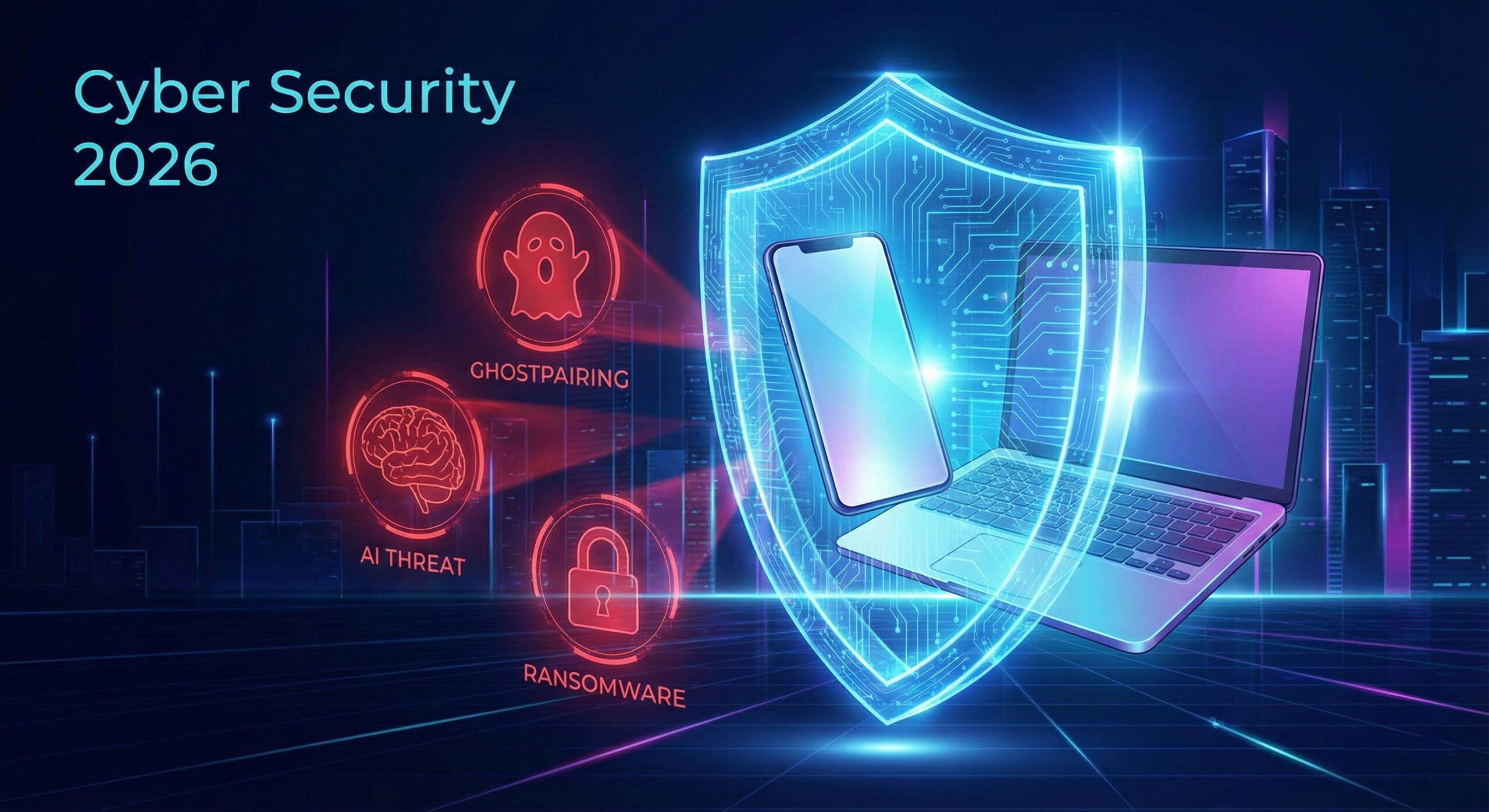
The Complete Guide to Digital Dangers in 2026: Everything You Need to Know to Avoid Being Fooled
The year 2026 has brought an explosion of new methods by which hackers try to access our data. We are no longer talking about simple viruses, but complex attacks that use Artificial Intelligence, psychology, and even household appliances.
At Altanet Craiova we have compiled the complete list of all active threats at the moment. Don't let yourself be overwhelmed! Read the summary below to know what to look out for. We will detail each topic in future articles, but here is the complete "map" of the risks.
1. Phone and personal identity attacks
Your smartphone is the key to our digital lives, and hackers know it. Here's how they're trying to trick you:
- GhostPairing (WhatsApp): Hackers connect your WhatsApp account to their device through a simple malicious link, without needing your password. More details in the article: GhostPairing: How hackers read your WhatsApp messages without you realizing it
- Vishing 2.0 & Deepfake: Scammers use AI to clone your relatives' voices and call you asking for money for fake "emergencies". More details in the articles: Vishing 2.0: When the phone rings and you hear your mother's voice, but it's not her and Deepfake: When technology steals your face and voice to commit fraud
- SIM Swapping: Criminals convince your mobile operator to move your number to their card in order to receive your bank codes via SMS. More details in the article: SIM Swapping: The nightmare where you suddenly have no signal and no money in your account
- Stalkerware: Spyware applications secretly installed by known people (partners, colleagues) to track your location and messages. More details in the article: Stalkerware: The hidden application that knows everything you do and where you go
- Cellik (Android Malware): A dangerous virus that hides in seemingly useful applications from official stores and takes control of the phone, using Google's infrastructure to receive commands. More details in the article: Cellik: The virus that hides in official applications on your phone
2. Pitfalls when browsing the internet or shopping
Even simple browsing is no longer without risks. Be careful where you click:
- GhostPoster: Browser extensions (like "Free VPN") that seem legitimate, but hide malicious code in logo images to steal data. More details in the article: GhostPoster: Extensions that seem useful but steal your banking data when you're not careful
- Quishing (QR Phishing): Fake QR codes pasted over real ones (in parking lots or restaurants) that take you to cloned payment sites. More details in the article: Quishing: How hackers steal your data through a simple QR code when you scan the menu
- Typosquatting: Sites with intentionally misspelled names (e.g. "gogle.com" instead of google) that imitate the original to steal passwords. More details in the article: Typosquatting: When a single misspelled letter sends you into the arms of hackers
- Malvertising: Infected ads that appear even on legitimate news sites and download viruses without you clicking. More details in the article: Malvertising: When ads on your favorite sites attack you without warning
- Formjacking: Hidden codes in online store payment pages that copy your card details as you type them. More details in the article: Formjacking: How your card details are copied when you shop online
- Cryptojacking: Sites that use your processor power to mine cryptocurrencies, slowing down your computer. More details in the article: Cryptojacking: Why is your fan humming and your computer running slow for no reason
3. Attacks targeting Artificial Intelligence (New this year)
As we use AI more and more, hackers have even started attacking "bots":
- Data Poisoning: Hackers introduce false data into AI training systems, causing it to make wrong decisions or ignore viruses. More details in the article: Data Poisoning: How hackers can "drunk" artificial intelligence with false data
- Prompt Injection: Special text commands that trick chatbots into revealing confidential information or passwords. More details in the article: Prompt Injection: The magic words that make AI break all the rules
- Shadow AI: The risk of employees using unapproved AI tools in the office, exposing company data to the public. More details in the article: Shadow AI: When employees use robots in the office secretly and company data ends up on the internet
4. Major threats to business and infrastructure
For companies, the stakes are high. A single attack can shut down operations for weeks:
- Ransomware 3.0: Not only does it encrypt your data, but the attackers threaten to publish it and extend their attack to your customers and partners. More details in the article: Ransomware 3.0: The nightmare where backup no longer saves you from blackmail
- Supply Chain Attacks: Hackers attack a small software supplier to reach, through it, the large companies that use it. More details in the article: Supply Chain Attacks: When you are attacked by the suppliers you trust the most
- Cloud Vulnerabilities: Configuration errors in AWS or Azure (not direct attacks) are responsible for most data leaks. More details in the article: Cloud Vulnerabilities: The Myth That "The Cloud" Is Secure by Default and the Mistake That Costs Millions
- API Vulnerabilities: The "back doors" through which applications communicate with each other are often left unprotected, allowing massive data theft. More details in the article: API Vulnerabilities: The "back doors" through which your applications allow hackers access
- Specific Software Risks: Critical vulnerabilities recently discovered in popular programs such as pgAdmin (databases), Plesk (web servers) or Fortinet network equipment. More details in the article: Specific Software Risks: When admin tools become gateways for hackers
- NANOREMOTE: A sophisticated Windows malware that uses legitimate services (like Google Drive) to communicate with hackers and avoid detection. More details in the article: NANOREMOTE: The invisible malware that uses Google Drive to spy on you
5. The future and home devices
Last but not least, tomorrow's technology brings today's risks:
- IoT Attacks: Smart refrigerators, cameras, and thermostats are often unprotected and can be used by hackers to attack other targets. More details in the article: IoT Attacks: When Your Own Home Appliances Become Digital Spies in Your Home
- The Post-Quantum Threat: Hackers steal encrypted data now ("Harvest Now") to decrypt it in a few years, when quantum computers will be powerful enough. More details in the article: The Post-Quantum Threat: Why Hackers Steal Encrypted Data They Can't Read Yet
Conclusion: How do we stay safe?
The list seems long and scary, but the basic solutions remain simple:
- Enable MFA (Multi-Factor Authentication): It's the easiest way to stop 99% of attacks. Even if they steal your password, hackers can't get past the code on your phone.
- Check for data breaches: Use sites like Have I Been Pwned to see if your email address has been compromised.
- Be careful with updates: Don't put off Windows or Android updates. They fix the "doors" through which viruses enter.
Do you feel your business is exposed to these risks? Our team can provide you with complete IT services and can perform a security audit. Visit our contact page and let's discuss how we can protect you in 2026.

Leave a reply