

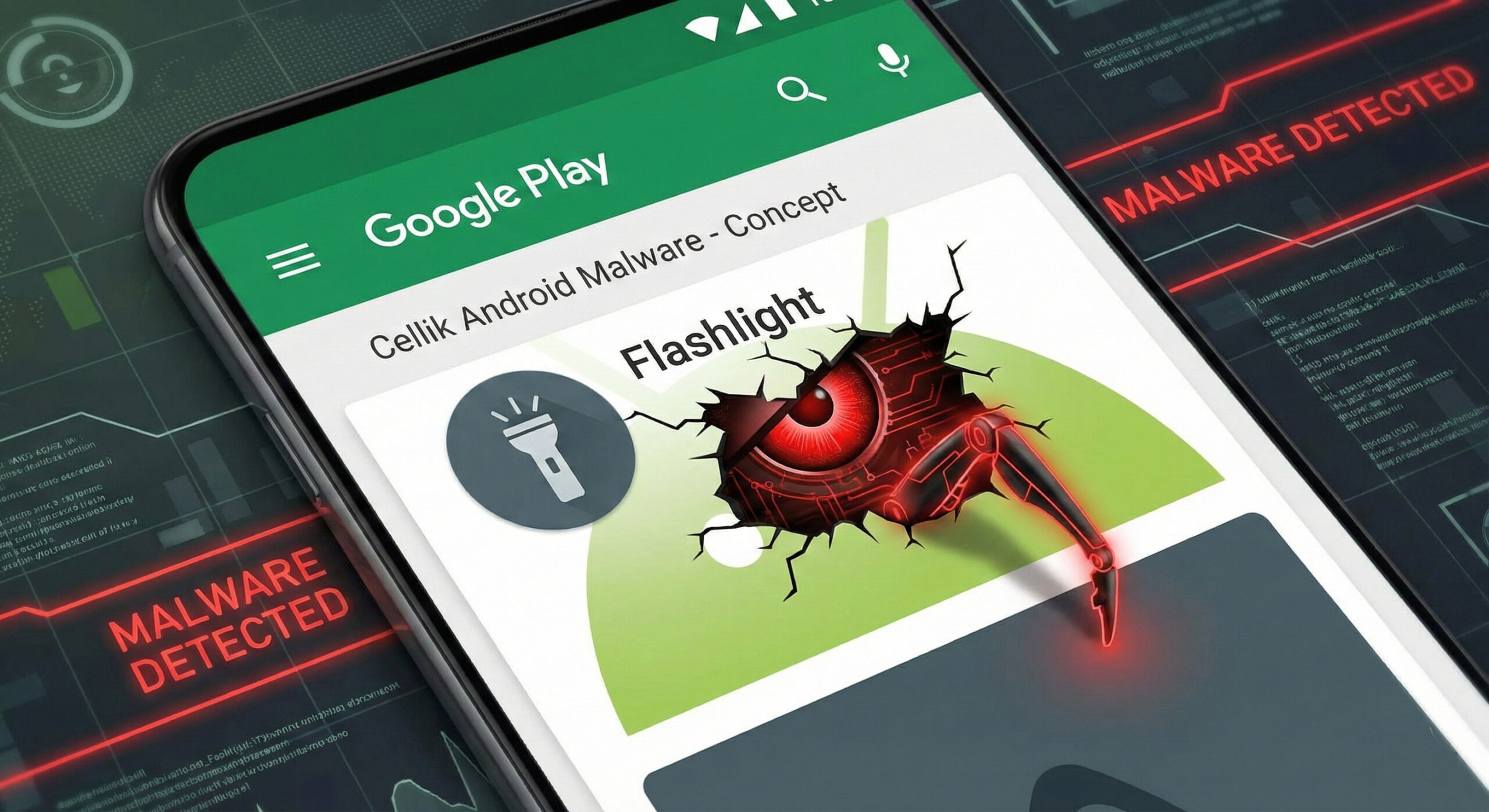
Cellik: The virus that hides in official apps on your phone
Usually, the golden rule in security is simple: "Don't download apps from dubious sites, only use the Official Store." But what do you do when the danger comes from there? In 2026, hackers found a way to trick even the filters of the tech giants.
The name of the threat is Cellik. It is a type of virus (Trojan) that disguises itself as harmless applications, such as a flashlight, a calculator or a document scanner, available directly in the Google Play Store. At Altanet Craiova, we analyze these "invisible" threats so that you know what to look out for before pressing the "Install" button.
What is Cellik and why is it different?
Most viruses are blocked by your phone's security systems because they try to communicate with suspicious hacker servers. Cellik is smarter. It uses a tactic called "hiding in plain sight."
Instead of using a secret server, this virus uses legitimate platforms, such as Google Drive or Google Play, to receive commands from the attackers. Because your phone trusts Google, it doesn't block this communication. Basically, the hacker controls your phone using the same channels you use for photos or documents.
What can it do to your phone?
Cellik is a RAT (Remote Access Trojan). This means that once installed, it turns your phone into a spying tool that:
- Take total control: It can open apps, read messages, and access files without your knowledge.
- Record everything: Can activate the microphone or camera and take screenshots.
- It's hard to delete: Because it looks like a system or useful application, many users don't suspect anything.
How do you recognize a trap app?
Even if the virus fools automated systems, it can't fool you, if you pay attention to the details. Here are three signs that give it away:
- Illogical permissions: This is the biggest mistake hackers make. If you install a "Flashlight" app and it asks for access to "Phonebook", "Location" and "Microphone", immediately deny it. A flashlight only needs the camera (for the flash), nothing else.
- Number of downloads vs. Reviews: Be skeptical if an app has thousands of downloads but no written reviews or only has 5-star reviews that sound robotic ("Very good app", "Super cool").
- Battery behavior: Like other viruses, Cellik consumes resources to communicate with hackers. If your phone drains quickly after installing a new app, uninstall it.
To stay up to date with new types of malware targeting the Android system, you can check out the news section at BleepingComputer on Android security.
Conclusion
The official store is safer than pirated sites, but it's not perfect. The ultimate responsibility lies with you. Always check what "rights" you are giving to a new application.
If your phone is acting strangely or you want to implement mobile security solutions for your employees, we can help. Our team offers complete IT services. Visit our contact page and protect your data.
This material is part of Altanet's educational series on digital security. Want to know what other risks you are exposed to this year? See Complete list of cyber threats in 2026.

Leave a reply