

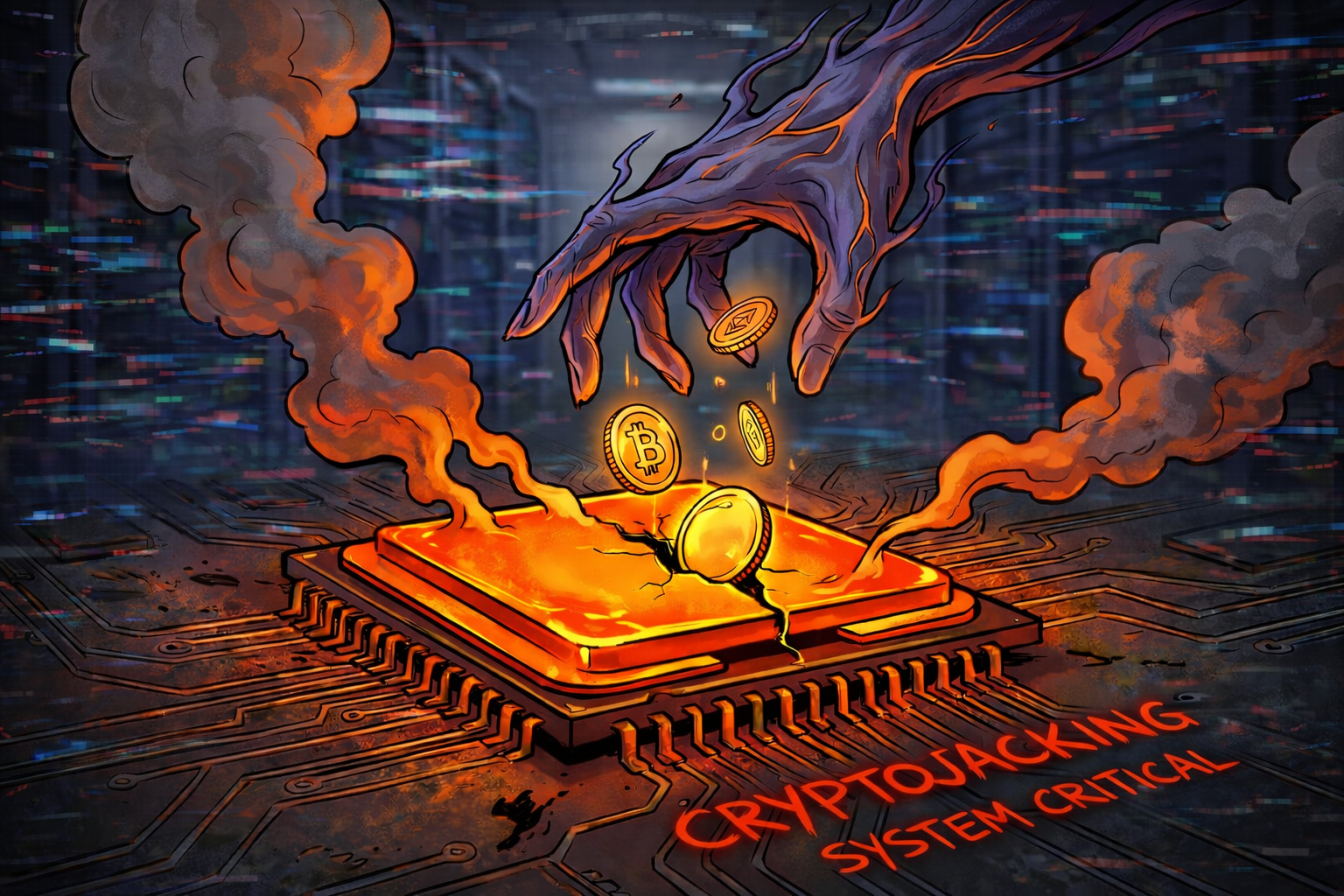
Cryptojacking: Why is your fan humming and your computer running slow for no reason?
Have you ever been quietly browsing the internet and suddenly your computer starts to "take off"? The fans are spinning at full speed, the laptop is hot, and the mouse is moving jerkily. You look in Task Manager and see that the processor is being used 100%, even though you only have a browser open.
No, your computer is not broken. You have most likely become a victim of the phenomenon called Cryptojacking. In 2026, hackers no longer only steal data, but also electricity and processing power. At Altanet Craiova we help you identify the digital parasites that are wearing out your equipment.
What is Cryptojacking and how does it "steal" your processor?
Cryptojacking is the unauthorized use of someone's computer (or phone) to mine cryptocurrencies (like Monero). Hackers need massive computing power to generate virtual money, but they don't want to pay for the equipment and electricity. So they use your equipment.
There are two main ways to reach you:
- Through Browser (Web-based): You enter a dubious website (online movies or downloads) that has a hidden mining script. As long as you keep the page open, your processor works for the hacker. When you close the tab, it stops.
- By Infection (Malware): You download an infected file that installs an "invisible" mining program. It runs in the background permanently, even when you are not online, slowing down the entire system.
Clear signs that you are being used as a "miner"
Unlike other viruses that lie hidden, Cryptojacking has obvious physical effects on the device:
- Overheating: Components are constantly working at full capacity, which leads to high temperatures. This can shorten the life of the processor or video card.
- Fan noise: The cooling system is desperately trying to keep up, so the fans will sound like a vacuum cleaner.
- Power bill: If you have a powerful desktop system and are infected with persistent malware, you will notice an unjustified increase in electricity consumption.
How do you stop unauthorized mining?
The good news is that you can defend yourself relatively easily if you know what tools to use:
- Install anti-mining extensions: In addition to the classic AdBlock, there are special extensions (such as No Coin or MinerBlock) that detect and block mining scripts in the browser.
- Use a good Antivirus: Modern security solutions immediately detect if a process tries to use 100% of the CPU for no reason and stop it.
- Check Task Manager: If your PC is running slow, open Task Manager (Ctrl+Shift+Esc). If you see that your browser (Chrome/Edge) is consuming 80-90% of your CPU, close the tabs one by one until the consumption decreases. This way you can identify the culprit site.
To better understand how these attacks evolve and how to protect yourself, you can consult the complete guide offered by Malwarebytes on Cryptojacking.
Conclusion
Your computer is your property. Don't let anyone use it as a "digital slave" to make money. If you hear the fans running at full speed without gaming or editing video, it's time for a checkup.
Is your computer running slow and you suspect an infection? Our team can perform a complete virus removal and hardware optimization. See our list of IT services and visit the contact page to bring your equipment back to life.
This material is part of Altanet's educational series on digital security. Want to know what other risks you are exposed to this year? See Complete list of cyber threats in 2026.

Leave a reply