
Why two-factor authentication (2FA) is vital for online security and why we call it the "Fortress" of mobile accounts?
The smartphone is today the centre of our digital universe: online payments, communication, photo storage, banking or access to sensitive information. This dependence turns the phone into a priority target for cyberattacks. A simple password, even a strong one, is no longer enough. The solution is two-factor authentication (2FA) – an additional protection mechanism that can make the difference between a compromised account and a secure one.
What is two-factor authentication (2FA) and how does it work?
2FA adds an extra layer to the login process by combining two elements:
- Something you know: the password.
- Something you have: the mobile phone, on which you receive a unique temporary code (OTP).
- SMS: a text message with a numeric code.
- Authenticator apps such as Google Authenticator, Authy or Microsoft Authenticator, which generate temporary codes.
- Push notification: approve the login directly on the phone.
- Something you are: biometric factors (fingerprint, facial recognition).
Even if the password is stolen through phishing or malware, the attacker cannot access the account without the second factor.
Why 2FA matters for mobile apps in Romania
Handling sensitive data
Mobile banking, email and cloud apps contain critical information. Compromising them leads to financial and personal losses.
Local example: banks such as Banca Transilvania (BT Pay, NeoBT), BCR (George), ING, Raiffeisen, BRD require 2FA to authorise transactions, in line with PSD2 rules.
The risk of losing the phone or having it stolen
Mobile devices are easy to lose. Without 2FA, access to saved passwords and open sessions is immediate.
Protection against phishing and malware
Even if the password is entered on a fake site, the attacker does not have access to the code generated through 2FA.
The growing number of online services
Social media accounts, online shops and streaming apps need extra protection. Enabling 2FA on every account is a critical measure.
The concrete advantages of two-factor authentication
- Enhanced protection: a stolen password is not enough.
- Suspicious access notifications: real-time alerts on unauthorised login attempts.
- Personal control: you approve every access.
- Quick and free to set up: most services offer 2FA at no cost.
How to enable and use 2FA – two-factor authentication
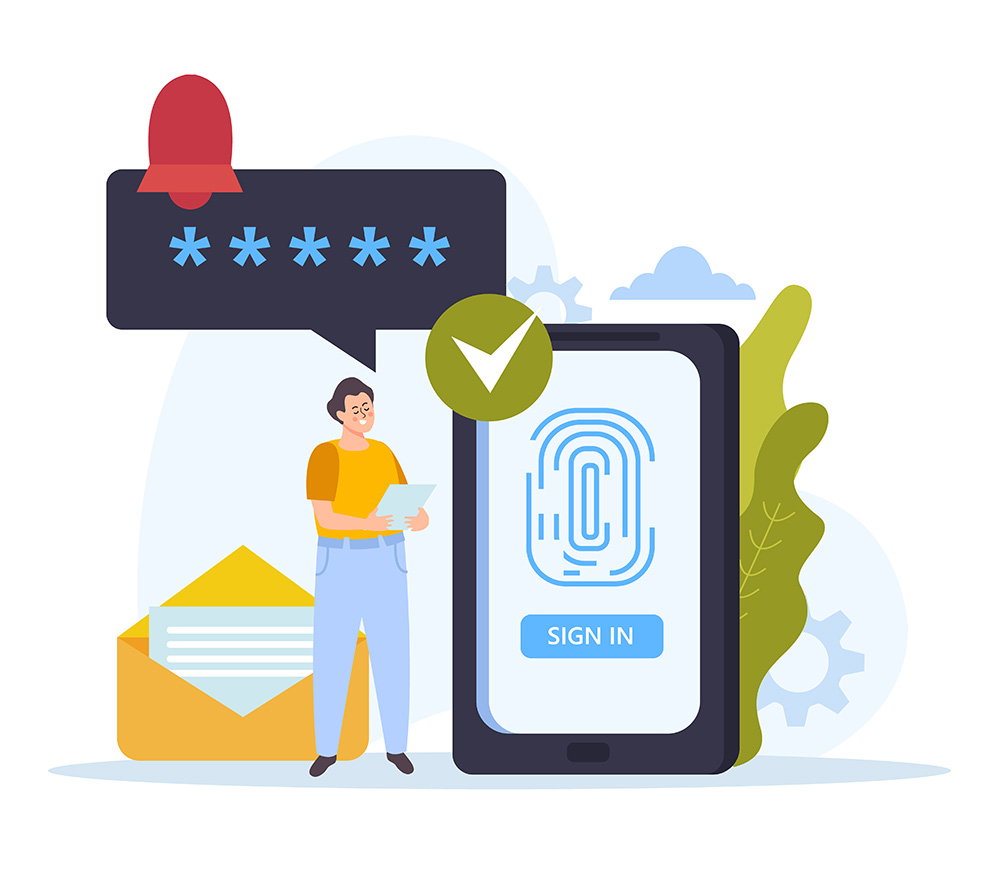
- Enable the Two-factor authentication option.
- Choose the method: SMS, authenticator app or push notification.
- Recommendation: an authenticator app is safer than SMS (which is vulnerable to SIM swapping).
- Follow the setup steps (scan a QR code or enter your phone number).
- Save the backup codes in a safe place so you can recover the account.
For professional help, do not hesitate to contact the Altanet team! – Your help in IT and cybersecurity in Romania! Contact us now!
Examples and documentation sources from Romania
- Banks: BT, BCR, ING, Raiffeisen, BRD – PSD2 implementation with 2FA.
- Online platforms: Facebook, Google, Instagram, LinkedIn, eMAG.
- Useful sources: DNSC Romania, official bank announcements, IT&C and financial articles.
The digital lock for your accounts – 2FA
In the digital age, two-factor authentication (2FA) is no longer optional but essential. Enabling it takes a few minutes, but it can save your data and your money. Check your accounts and enable 2FA today – it is the extra lock of digital safety.
For IT & C products we recommend our specialised shop – Altamag.ro