
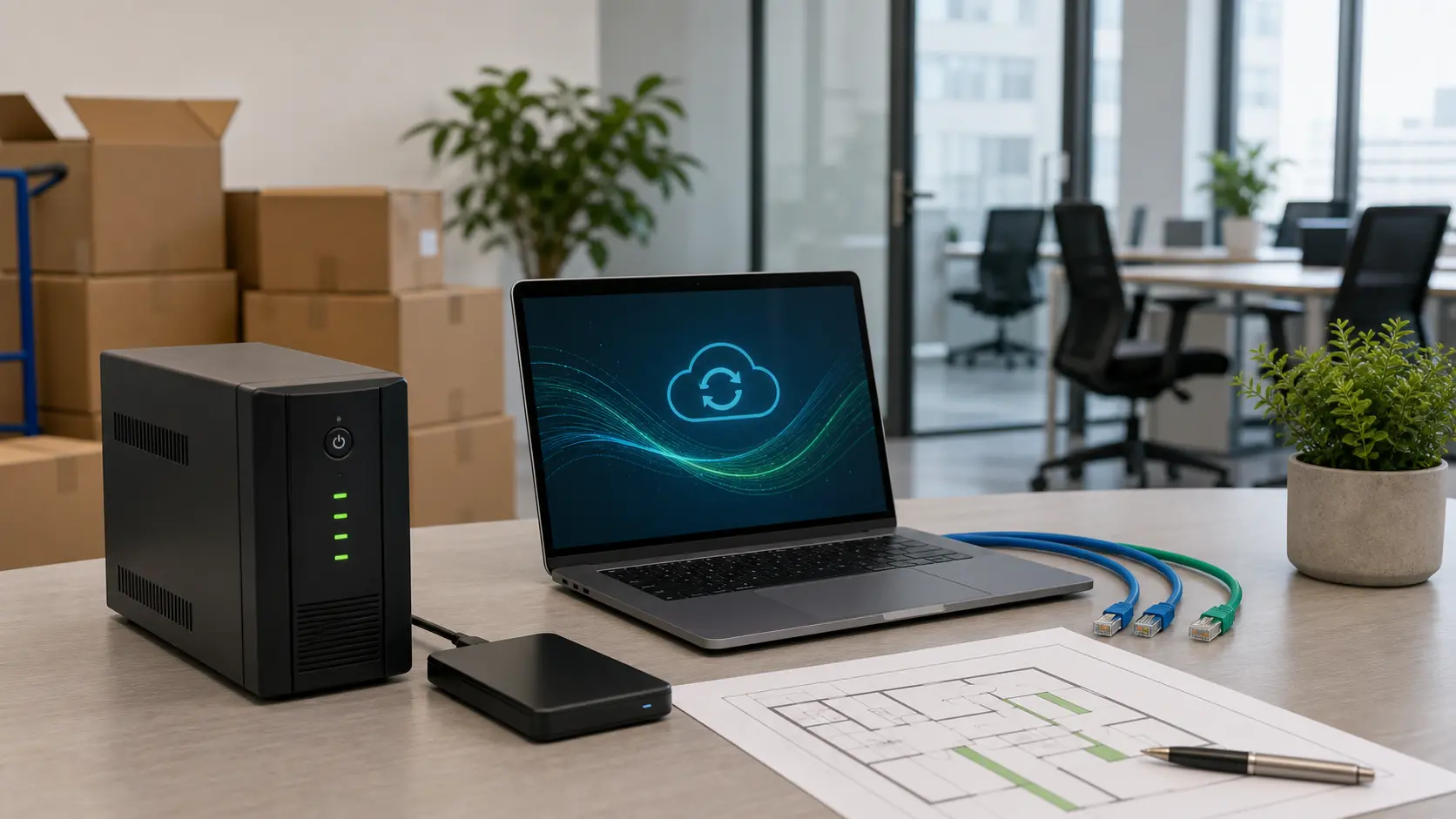
Relocating a company is a test of operational continuity. In theory, the team moves on Friday and works normally on Monday. In practice, there are major delays with the internet connection. Printers cannot see the local network, and the phones are unconfigured. Access cards have not been delivered, and the applications ask for old IP addresses. Colleagues do not know exactly what they are supposed to do in the new office. A business continuity plan reduces these major risks. It turns the move into a controlled and safe project.
Identify the services your company cannot work without
Always start with a short list. What must work in the first working hour? For many companies, the answer includes the internet and email access. Add the cloud platforms and the main invoicing application. Include shared files, telephony and the printing system. Do not forget access control and the video cameras. For each service, name the person who administers it. Note the provider involved and the equipment that depends on it. Prepare a temporary backup option for emergencies.
This technical list must be extremely concrete. Do not write just the word internet. Note the provider, the contact person and the installation deadline. Add the contracted speed and the equipment delivered to the office. Specify the exact location in the rack and the admin password. Do not write just the word files in the document. Note clearly where they are stored and who has access. Specify when the last full restore was tested. Prepare solutions in case cloud synchronisation is delayed.
Also set the acceptable level of interruption in advance. For some activities, an hour without a printer is bearable. But an hour without the sales application is critical. These clear differences help with correct prioritisation. Essential services always get redundancy and extra testing. Less important services can be sorted out later. They stabilise once the office has fully settled in.
Redundancy is not a luxury
A company that depends on online applications needs safety measures. Never rely on a single web connection. A primary fibre optic link is mandatory. Add a secondary connection from another network provider. You can also use a completely different technology. This measure can save a whole working day. For sales or accounting teams, continuity is vital. The cost of a backup connection is small. It is much smaller than the cost of a total outage.
Redundancy also includes power for critical equipment. A correctly sized UPS provides immediate protection. It supports the router, switches, firewall and NAS servers. CCTV systems also stay online during outages. A UPS gives time for a controlled shutdown. It also helps ride through voltage fluctuations. In a discussion about efficient offices, analyse the building's infrastructure. Carefully analyse overall consumption and the technical stability offered.
Back up before the move and test the restore
A backup that has not been tested offers no safety. Before relocating, create up-to-date copies of the data. Export the configurations for the firewall, switches and access points. Save the settings of the CCTV systems and local applications. Then test restoring a small set of files. If you use local servers, plan the transport carefully. If you use cloud services, check the permissions of the active accounts.
It is recommended to have an offline list with the essential details. Note the phone numbers of the internet and telephony providers. Add the contact details of the building administrator and the IT team. Include the person in charge of security and the printer supplier. During an outage, you need quick access. You do not want emergency numbers locked in an inaccessible email.
Communicate internally as you would on a technical project
The move must be communicated to the team with clear deadlines. Set responsibilities and strict rules for all employees. People must know when to hand in their hardware. Explain how to label all the peripherals in use correctly. Specify where they will work on the first day after the move. Announce which services may have temporary interruptions. Explain how to enter the building and who to report problems to. A simple list sent in good time reduces repetitive requests.
Include all the logistical access details in the internal communication. Note the rules for parking, reception and working hours. Specify the procedures for visitors and restricted areas. From an IT point of view, these details matter. They directly affect access cards and time-attendance equipment. They also define the position of the cameras and the guest Wi-Fi network.
On relocation day, appoint a single person in charge. They will validate all urgent technical decisions. Without this role, technicians and suppliers receive contradictory instructions. The coordinator does not have to personally solve every problem that arises. But they decide the order of intervention and report the status to management.
Test before declaring the office operational
Carry out a technical rehearsal before the official opening. Connect a few laptops and test access to the applications. Make a test video call from the meeting room. Print and scan a document to check. Check access to the guest Wi-Fi network in the building. Open the main doors using the newly issued cards. Confirm that all CCTV images are recorded correctly. Measure the internet speed in the busiest areas. Check whether there are dead spots with no signal.
Keep a short period of intensive monitoring after the move. Watch carefully for any connectivity errors that appear. Log support requests and areas with weak Wi-Fi signal. Identify the devices that unexpectedly disconnect from the network. Quickly fix small problems before they become bad habits. Continuity management means the ability to keep operations stable. The company must work excellently during major changes.
A well-run relocation shows that the infrastructure supports the business. Plan the internet, data, security and access control together. This way, the company gains a high-performing office. It also gains a much more resilient way of working for the B2B segment (services aimed exclusively at other companies).