
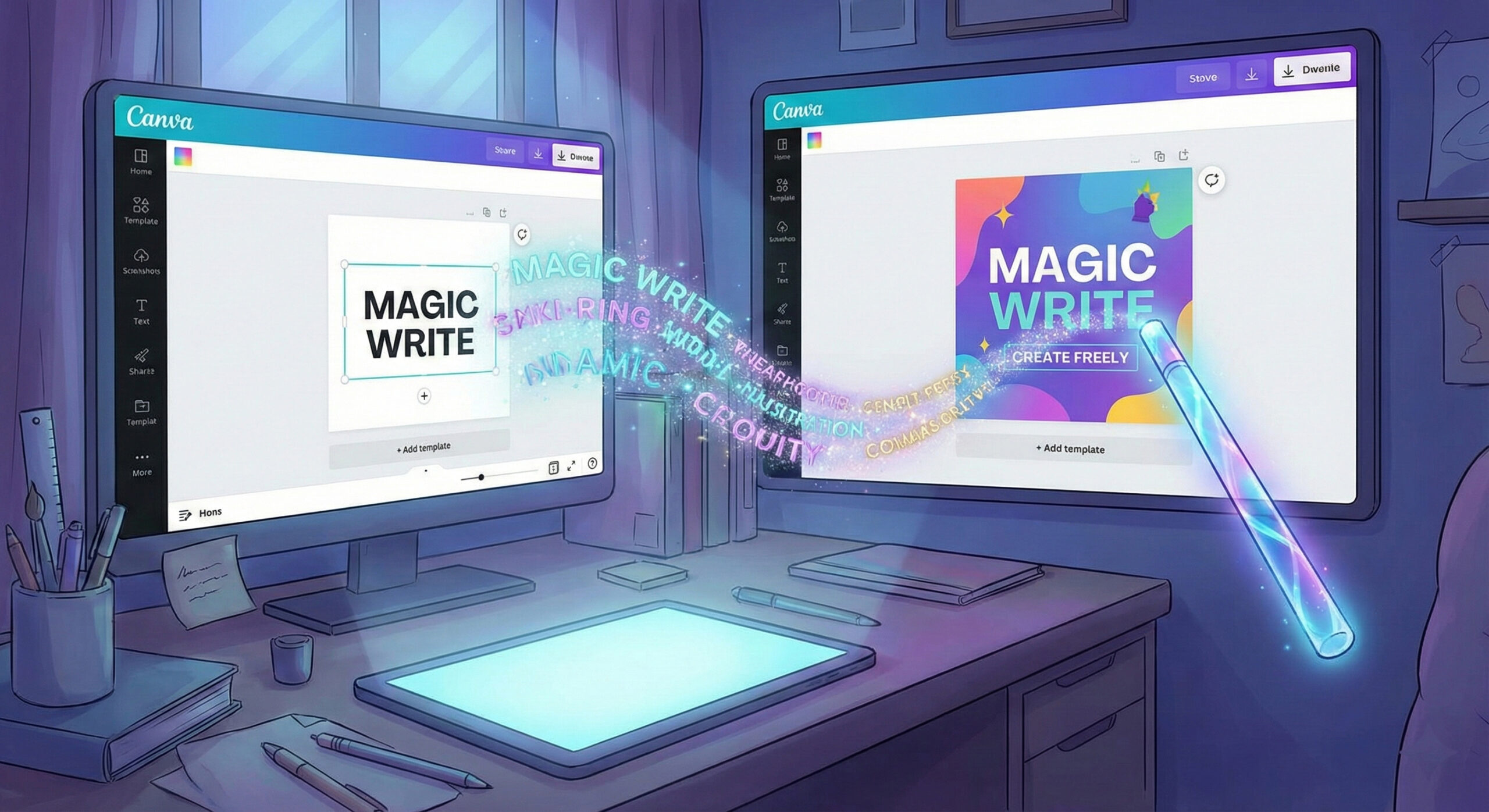
When design meets words
We all love Canva because it helps us make beautiful designs quickly. But how many times have you made a gorgeous image for Facebook and then got stuck? You looked at it and did not know what text to put. "What do I write in the description? What title do I use?".
Now Canva has solved this problem too. They have launched Canva Magic Write. It is a smart writer built right into your favourite editor. Want to see other creative tools too? Read our list of the top 20 free AI robots in 2025.
What is Magic Write and how does it work?
Magic Write uses the same powerful technology behind ChatGPT (GPT-3 and GPT-4), but brings it into the visual world. You no longer need to have two windows open. You no longer copy text from ChatGPT to paste it into Canva.
- Everything in one place: Are you in the middle of a poster? Press a button and ask for a title. The robot writes directly on your poster.
- Understanding the format: Magic Write knows the difference between an official document and an Instagram post. It adapts the length and tone of the text to the project you are working on.
Features that make your work easier (Examples)
This tool turns any amateur into a complete content creator. Here are a few scenarios where it saves you:
- Social media descriptions: You uploaded a photo of a coffee. You tell Magic Write: "Write a funny description about Monday morning coffee". It instantly generates 5 variants for you.
- Brainstorming ideas: Do you have to make a presentation about sales? Ask it: "Give me 5 key points about growing online sales". It builds the structure of your slides.
- Rewriting text (Magic Switch): Did you write a text that is too long and does not fit in the text box? Select it and choose "Summarize". The text gets shorter and fits the design perfectly.
Where can you use it in Canva?
At first, it was available only in Canva Docs. Now it is everywhere:
- Canva Docs: This is their text editor, similar to Word. Here you can write entire blog articles with the help of AI.
- Presentations: It helps you fill slides with relevant information, not just images.
- Social media and websites: You can generate high-impact titles (hooks) that stop people from scrolling.
Free vs. Pro: Do you need a subscription?
Canva is generous, but it has its limits.
- Free users: Have access to Magic Write, but with a fairly small "lifetime" or monthly limit (usually 50 uses in total). It is good for trying out the feature.
- Canva Pro users: Here you have freedom. You get hundreds of uses every month (for example, 500 generations). If you use Canva for your business, the Pro subscription becomes essential not only for images, but also for unlimited text.
Magic Write for your business
Speed is key in modern marketing. With Magic Write, you can create a week of content (graphics + text) in just an hour. Visual and verbal consistency will grow your brand.
Still, a beautiful post has to lead somewhere. Do the customers who click land on a fast, optimised website? If not, you lose sales. Our team offers online web marketing services. We make sure your entire online presence, from design to code, is built for success.
Conclusion
Canva Magic Write is the ultimate tool for visual marketers. It removes writer's block and lets you focus on what matters: the message and the image. If you already use Canva, it would be a shame not to use this magic feature too.
Want to learn how to integrate these tools into your daily workflow? Not sure how to use them to their full potential? Visit our contact page. We are here to help you.
This guide is part of our series of resources dedicated to Artificial Intelligence. For an overview of the most effective solutions on the market, see the article Top 20 free AI robots for 2025.