
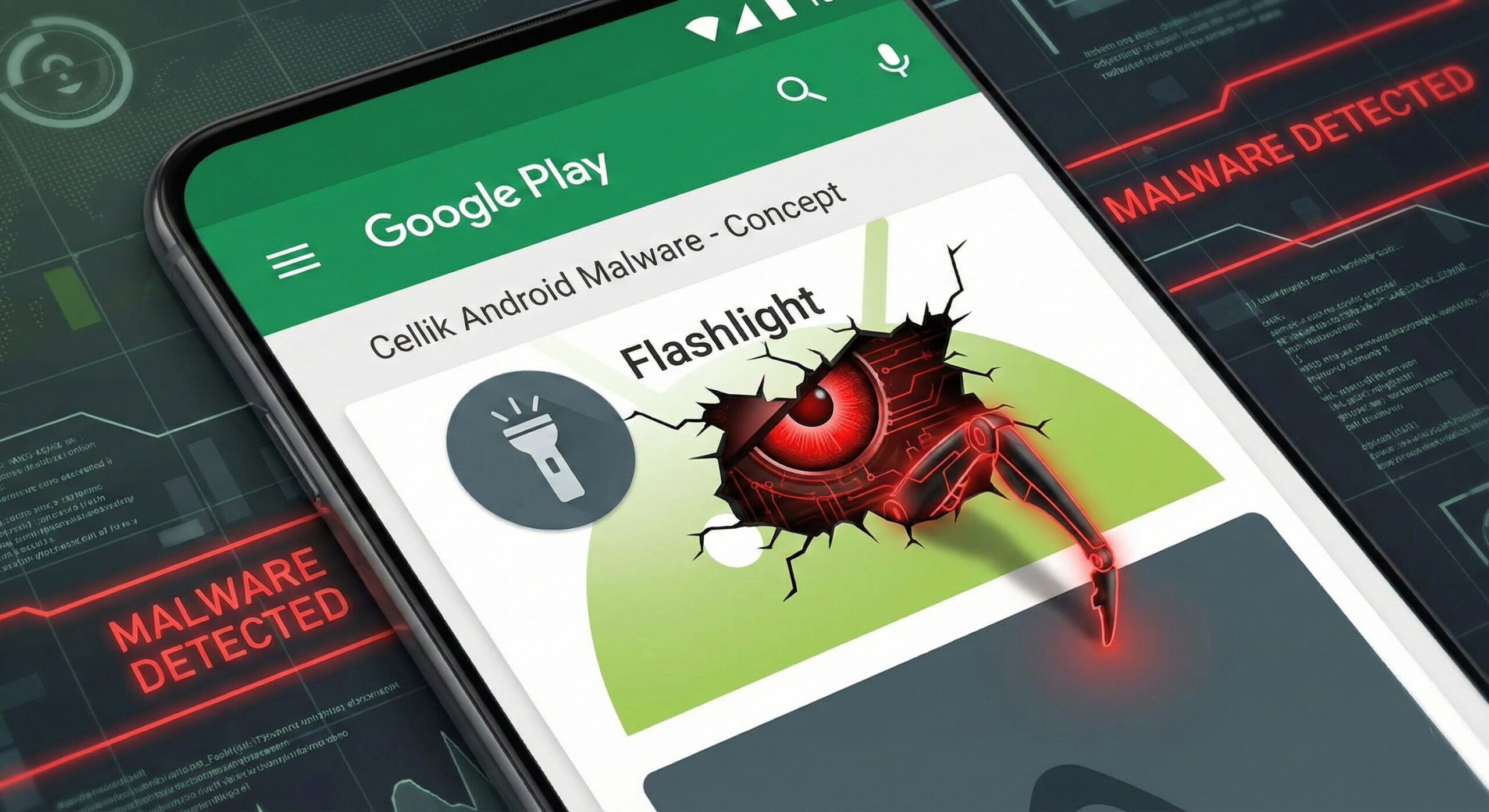
Usually, the golden rule of security is simple: "Don't download apps from shady websites, only use the Official Store." But what do you do when the danger comes from right there? In 2026, hackers found a way to fool even the filters of the tech giants.
The threat is called Cellik. It is a type of virus (Trojan) that disguises itself as harmless apps, such as a flashlight, a calculator or a document scanner, available directly in the Google Play Store. At Altanet Craiova, we analyse these "invisible" threats so that you know what to watch out for before you tap the "Install" button.
What is Cellik and why is it different?
Most viruses are blocked by your phone's security systems because they try to communicate with suspicious servers run by hackers. Cellik is smarter. It uses a tactic called "hiding in plain sight".
Instead of using a secret server, this virus uses legitimate platforms, such as Google Drive or Google Play, to receive commands from the attackers. Because your phone trusts Google, it does not block this communication. In practice, the hacker controls your phone using the same channels you use for photos or documents.
What can it do to your phone?
Cellik is a RAT (Remote Access Trojan). This means that, once installed, it turns your phone into a spying tool that:
- Takes total control: It can open apps, read messages and access files without your knowledge.
- Records everything: It can activate the microphone or camera and take screenshots.
- Is hard to remove: Because it looks like a system app or a useful one, many users suspect nothing.
How do you recognise a trap app?
Even if the virus fools automated systems, it cannot fool you if you pay attention to the details. Here are the three signs that give it away:
- Illogical permissions: This is the biggest mistake hackers make. If you install a "Flashlight" app and it asks for access to your "Contacts", "Location" and "Microphone", refuse immediately. A flashlight only needs the camera (for the flash), nothing else.
- Number of downloads vs. reviews: Be sceptical if an app has thousands of downloads but no written reviews, or only 5-star reviews that sound robotic ("Very good app", "Super cool").
- Battery behaviour: As with other viruses, Cellik consumes resources to communicate with the hackers. If your phone drains quickly after you install a new app, uninstall it.
To stay up to date with new types of malware targeting the Android system, you can check the news section of BleepingComputer about Android security.
Conclusion
The official store is safer than pirate websites, but it is not perfect. The final responsibility is yours. Always check what "permissions" you grant to a new app.
If your phone is behaving strangely or you want to implement mobile security solutions for your employees, we can help. Our team offers complete IT services. Visit our contact page and protect your data.
This material is part of the Altanet educational series on digital safety. Want to know what other risks you are exposed to this year? See the Complete list of cyber threats in 2026.