
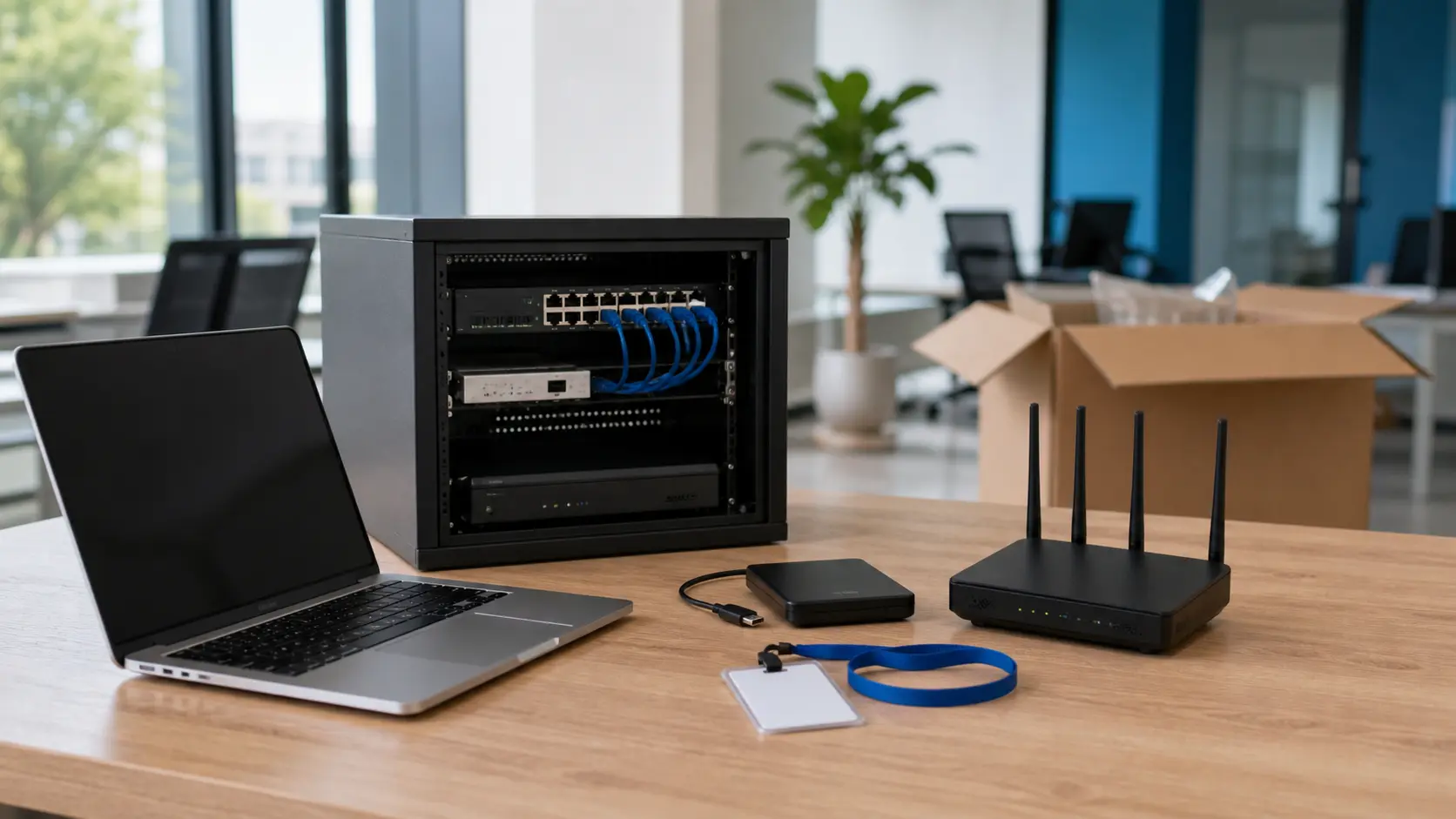
Moving to a new office is not just about desks, furniture and a day of transport. For technology-dependent companies, the IT side must be planned rigorously. Everything is prepared before the first box reaches reception. A rushed relocation causes serious problems. The team may be left without stable internet or without access to files. Security cameras and access control may stop working.
Start from the company's real inventory
The first step is a complete inventory of the equipment and services in use. Note the workstations, local servers and laptops. Include printers, IP phones, routers and switches. Add the security cameras, time-attendance systems, licences and contracts. Establish clearly who manages each item. Decide whether the equipment is moved physically or has to be replaced. Always check all technical dependencies.
The inventory also helps manage the budget correctly. A move brings to light a lot of old equipment. It was kept only because there was never a good moment to replace it. The new office offers a perfect context for standardisation. Implement identical security policies on all workstations. Use only manageable equipment and well-documented cabling.
It is also useful to mark equipment that no longer needs to be moved. Replace old monitors and inefficient printers before the relocation. Drop simple switches and UPS units with worn batteries. This way, the new office does not inherit the problems of the old one. The IT team can start from a much cleaner configuration.
Check connectivity before signing
Internet must be treated as an absolutely critical utility. Before the move, confirm which providers are available in the building. Check installation deadlines and whether optical fibre is available. Analyse the backup options and the space for the operator's equipment. Check the cable routes carefully. Assess the position for the technical rack and redundant connections. Make sure the networks can be properly separated for employees and visitors.
It is not enough for internet to exist in the building. The space must allow clean cabling to every desk. The Wi-Fi signal must cover the meeting rooms perfectly. The integration of printers and security must be done without dangerous improvisation. A small team can quickly double its headcount. The network must support this growth without a complete rebuild.
Cabling and the technical rack
Structured cabling is the foundation of an extremely stable office. Ask for the data outlet plan and check the port labelling. Decide in advance where the switches will be placed. If there is no documentation, create it before connecting anything. Every network port needs a very clear destination. The rack must be ventilated, perfectly secured and always accessible. Avoid placing it in a crowded storage space.
In practice, major problems come from seemingly small details. Poor-quality cables and unlabelled ports cause outages. The lack of a UPS or wrongly installed outlets affect stability. These are not just aesthetic inconveniences. They increase intervention time and make troubleshooting very difficult.
Physical and digital security must be thought through together
A modern office needs clear access policies. Passwords, networks, cameras and shared equipment must be well managed. Access control must reflect the exact roles in the company. Set rules for reception, offices, archive or server room. The CCTV system must cover entrances and relevant areas. In parallel, network segmentation limits the spread of computer viruses.
For companies that frequently receive visitors, exactly the same strict technical discipline applies. Controlled access and a separate guest network are needed. Physical equipment and visitors require very clear procedures.
Backup, continuity and moving day
In the week of the move, the backup must be verified as rigorously as possible. Test a file restore in practice and confirm cloud synchronisations. Export the configurations of all network equipment. Prepare a list of administrative passwords kept completely safe. If you have local applications, set a clear maintenance window. Tell the whole team which services may become unavailable.
The technical schedule should start well in advance. In the first stage you will confirm the providers and the building's cabling. In the second stage you will prepare the necessary configurations. In the last days, check the backup and label all the equipment. A clear list helps each person in charge know what to do.
Moving day requires a logical order of execution. Install the main connection, start the network and check the Wi-Fi signal. Connect the printers, test the telephony and validate access to files. Then confirm the cameras and access control systems. A person in charge must tick off each step carried out. Do not leave these technical tests for the first working morning. By then you will already feel the pressure from customers and colleagues. The whole team will urgently need access to applications.
A successful relocation shows in the complete absence of interruptions. A planned infrastructure turns the move into a direct improvement of the work. The team enjoys stable connections and secure access. The spaces become more organised, and technical support is delivered immediately.