
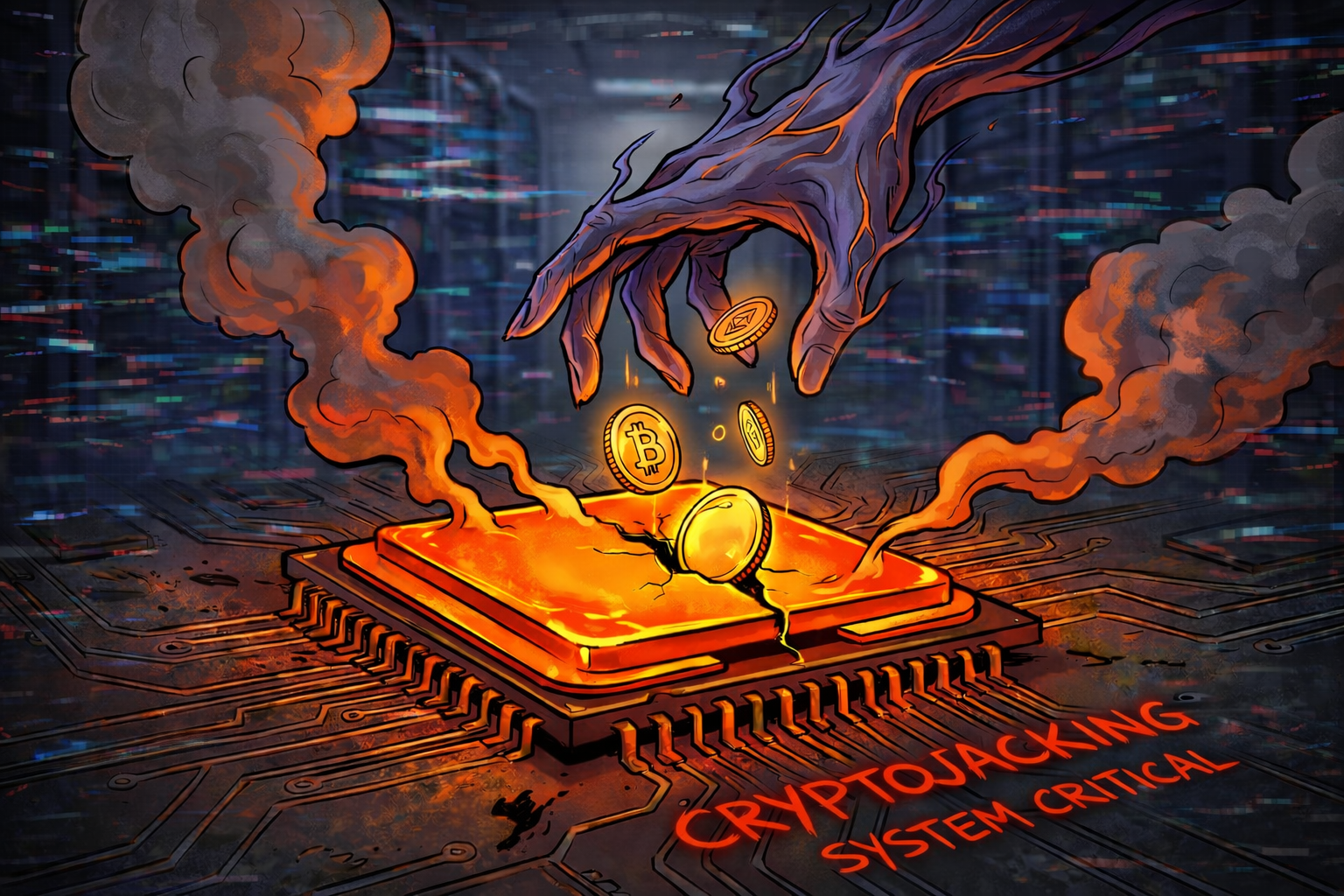
Has it ever happened that you were browsing the internet peacefully and, all of a sudden, your computer started to "take off"? The fans spin at full speed, the laptop is scorching hot, and the mouse moves in jerks. You look in Task Manager and see that the processor is 100% in use, even though you only opened a browser.
No, your computer hasn't broken down. Most likely you have become a victim of the phenomenon called Cryptojacking. In 2026, hackers no longer steal only data, but also electricity and processing power. At Altanet Craiova we help you identify the digital parasites that wear out your equipment.
What is Cryptojacking and how does it "steal" your processor?
Cryptojacking is the unauthorised use of someone's computer (or phone) to mine cryptocurrency (such as Monero). Hackers need immense computing power to generate virtual money, but they don't want to pay for equipment and electricity. So they use your equipment.
There are two main methods by which they reach you:
- Through the Browser (Web-based): You visit a shady site (for online movies or downloads) that has a mining script hidden in it. As long as you keep the page open, your processor works for the hacker. When you close the tab, it stops.
- Through Infection (Malware): You download an infected file that installs an "invisible" mining program. It runs permanently in the background, even when you are not online, slowing down the whole system.
Clear signs that you are being used as a "miner"
Unlike other viruses that stay hidden, Cryptojacking has obvious physical effects on the device:
- Overheating: The components constantly work at full capacity, which leads to high temperatures. This can shorten the life of the processor or graphics card.
- Fan noise: The cooling system desperately tries to keep up, so the fans will sound like a vacuum cleaner.
- The electricity bill: If you have a powerful desktop system and are infected with persistent malware, you will notice an unjustified increase in electricity consumption.
How do you stop unauthorised mining?
The good news is that you can defend yourself fairly easily if you know which tools to use:
- Install anti-mining extensions: Besides the classic AdBlock, there are special extensions (such as No Coin or MinerBlock) that detect and block mining scripts in the browser.
- Use a good antivirus: Modern security solutions immediately detect if a process tries to use 100% of the CPU for no reason and stop it.
- Check Task Manager: If your PC is slow, open Task Manager (Ctrl+Shift+Esc). If you see the browser (Chrome/Edge) consuming 80-90% of the processor, close the tabs one by one until the usage drops. That is how you identify the guilty site.
To better understand how these attacks are evolving and how to protect yourself, you can consult the complete guide offered by Malwarebytes about Cryptojacking.
Conclusion
Your computer is your property. Don't let anyone use it as a "digital slave" to make money. If you hear the fans at maximum speed without gaming or editing video, it is time for a check-up.
Is your computer running slow and you suspect an infection? Our team can carry out a complete virus removal and a hardware optimisation. See our list of IT services and visit the contact page to bring your equipment back to life.
This material is part of the Altanet educational series on digital safety. Want to know what other risks you are exposed to this year? See the Complete list of cyber threats in 2026.