
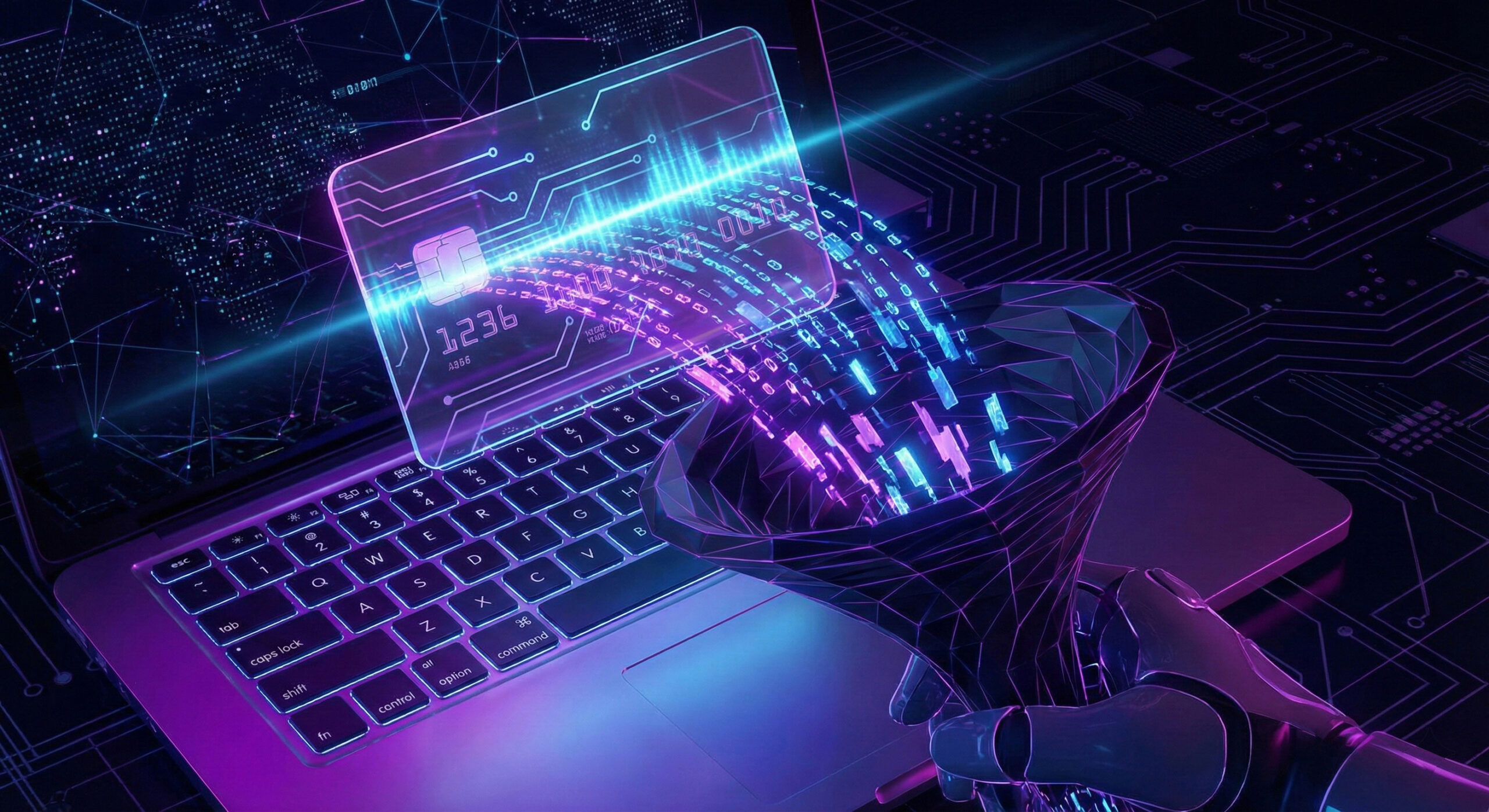
We all know to steer clear of dodgy ATMs in dark corners, for fear that someone has fitted a "skimmer" (a card-copying device). But what do you do when that device becomes invisible and moves onto your favourite shopping site?
In 2026, this method is called Formjacking. It is a huge threat because it doesn't target your computer, but the shop's website. At Altanet Craiova we want you to understand how this silent theft works, so you know how to protect your money.
What is Formjacking and how does the "digital skimmer" work?
Formjacking happens when hackers manage to insert malicious code (a script) into the order completion page ("Checkout") of a legitimate online shop. The shop works perfectly normally, the products are real, and the payment looks safe.
However, the moment you enter your card number, expiry date and CVV code and press "Pay", that hidden code makes a copy of the data and instantly sends it to the hackers. It is practically as if you had a thief looking over your shoulder while you fill in the form.
Why is it hard to detect?
Unlike phishing sites (which are fake), with Formjacking you are on the real, original website. Your browser shows you the green padlock (HTTPS), and everything seems fine. Most of the time, not even the shop owner knows their site has been compromised, until customers start complaining about money missing from their accounts.
How do you protect yourself when paying online?
Since you can't see the code behind the website, you need to use payment methods that protect you even if the data is stolen:
- Use virtual cards (Disposable): Modern banking apps (such as Revolut or those of local banks) let you create a single-use virtual card. After you have made the payment, the card destroys itself. Even if the hacker copied the data, it is no longer valid after 5 minutes.
- Turn on SMS/Push notifications: You need to know instantly if a transaction you didn't make appears. The faster you call the bank to block the card, the better.
- Avoid saving your card in your account: Although it is convenient to tick "Save Card for future purchases", if the shop's database is compromised, your data is exposed. It is safer to enter it manually every time (using a virtual card).
To explore the subject further and see examples of famous attacks (such as those by the Magecart group), you can read the technical analysis from Palo Alto Networks on Formjacking attacks.
Conclusion
Online shopping is fantastic, but it comes with responsibilities. Don't rely solely on a site being "famous" or "safe". Always use an extra layer of financial protection, such as virtual cards.
Do you have an online shop and want to make sure your checkout page hasn't been compromised? We offer security audits and IT services to protect e-commerce businesses. Visit our contact page and secure your customers' transactions.
This material is part of the Altanet educational series on digital safety. Want to know what other risks you are exposed to this year? See the Complete list of cyber threats in 2026.