
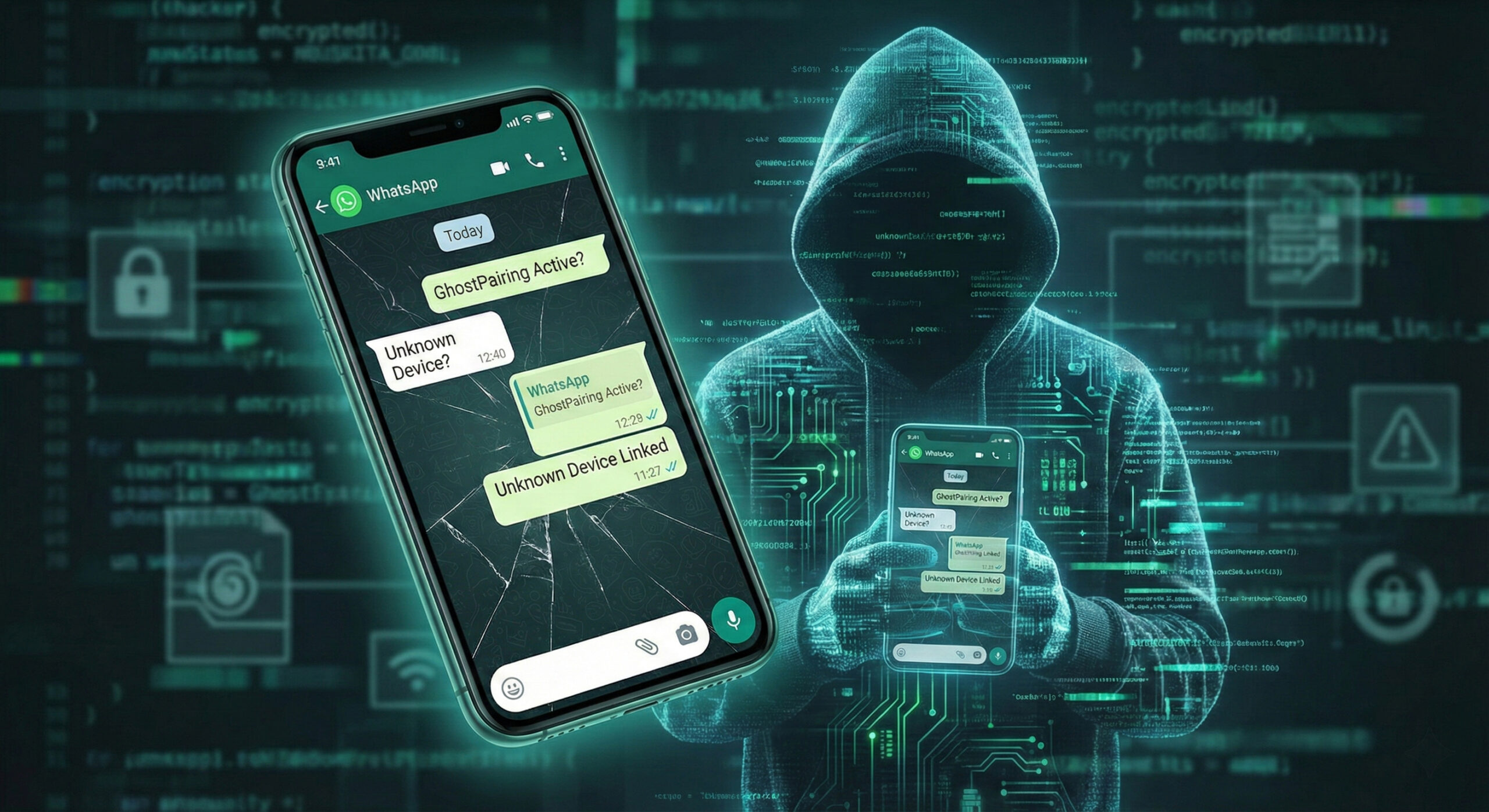
You wake up in the morning, make your coffee and open WhatsApp. Everything seems normal. You chat with your family, send memes to your colleagues and go about your life. But what if I told you that, while you type away peacefully, someone else is reading everything you write in real time?
This is not a movie scenario, it is the reality of 2026. This new attack method is called GhostPairing and it is far more dangerous than old viruses, because it is almost invisible. At Altanet Craiova we want to help you stay safe, so we explain in simple terms how it works and how to avoid it.
What is GhostPairing and why is it different?
Until now, if a hacker broke into your account, you usually lost access to it. You could no longer log in and you realised right away that something was wrong. GhostPairing is much sneakier.
Instead of kicking you out of your account, the hacker just “pulls up a chair” next to you. He links a second device to your WhatsApp account, exactly as you would link WhatsApp Web on a laptop. You keep using the app normally, while he sees the entire history and the new messages, without needing your password.
How does the trap work? (The classic scenario)
It all starts with a moment of inattention. Here are the steps by which you can be tricked:
- The bait message: You receive a message from a friend (whose account has already been compromised). The message is usually something tempting, such as: “Look at the funny photo I found of you!” or “Vote for me in this contest”.
- The fake link: You click the link and land on a page that looks exactly like Facebook or WhatsApp. You are asked for your phone number for “verification”.
- The fatal code: An official code from WhatsApp appears on your phone. The fake site asks you to enter that code to see the photo. The moment you type the code, the hacker has linked his phone to your account.
How do you check whether you are being spied on?
Fortunately, there is a very simple way to discover intruders, right now. You don't need special programs, just attention.
- Open the WhatsApp app on your phone.
- Go to Settings (on iPhone) or to the three dots at the top right (on Android).
- Tap Linked Devices.
Here you will see a list of all the computers or tablets where your account is active. If you see a device you don't recognise (for example “Google Chrome on Windows”, even though you only have a phone), it means you are a victim of GhostPairing. Tap it and choose Log out immediately.
How do you protect yourself in the future?
Prevention is key. Here are three simple rules for 2026:
- Don't click suspicious links: Even if they come from your best friend. If the style of the message seems odd, call them and ask whether they sent it.
- Don't share SMS codes: WhatsApp will never ask you to send the 6-digit code to anyone else. That code is the key to your digital home.
- Turn on Two-Step Verification: In the WhatsApp settings, you can set an additional PIN. That way, even if the hacker tricks you, they won't be able to link the device without that PIN.
For more technical details about managing devices, you can also consult the official WhatsApp guide.
Conclusion
Technology helps us stay connected, but it also exposes us. GhostPairing is just one of the modern risks, but if you stay vigilant, there is nothing to fear. Check your list of devices today and rest easy.
If you suspect that the security of your data has been compromised, or if you run a business and want to make sure your employees don't fall for such traps, we can help. We offer complete consulting and security IT services. Visit our contact page for a chat.
This material is part of the Altanet educational series on digital safety. Want to know what other risks you are exposed to this year? See the Complete list of cyber threats in 2026.