
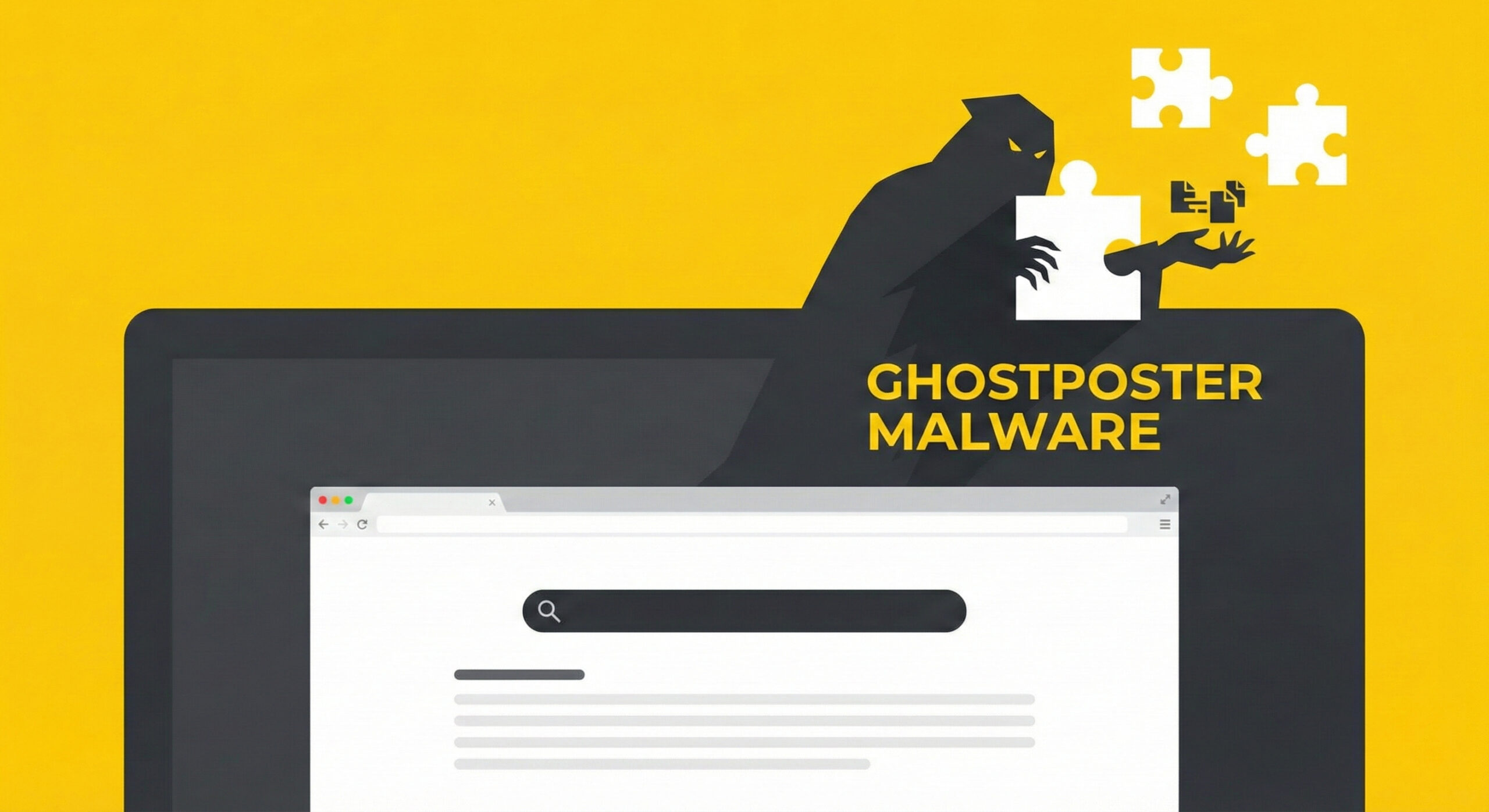
We all use browser extensions. Whether it's an “AdBlock” to get rid of annoying ads on YouTube, or a free VPN to watch movies from other countries, these little programs make our lives easier. But what if I told you that the useful “button” you just installed is actually a digital spy?
Security experts recently discovered a threat called GhostPoster. More than 50,000 users have already fallen into the trap. At Altanet Craiova we believe it is better to prevent than to repair, so we explain how to recognise these traps before you click “Install”.
What is GhostPoster and how does it hide?
GhostPoster is not an ordinary virus that locks your computer right away. It is much craftier. Hackers create extensions that look legitimate (for example, a PDF file converter or a fast VPN) and upload them to the official app stores.
Their trick is ingenious: the dangerous code is not visible at first glance. It is hidden right inside the images or the logo of the extension. When your browser loads that tiny icon, it unwittingly activates the virus as well. It is like receiving a Trojan horse, but in miniature.
Why is it hard to detect?
Most viruses attack immediately. GhostPoster is patient. After you install it, it can stay “dormant” for a few days or even weeks. It behaves normally and does the job it promised (for example, it really does block ads), winning your trust.
Only after you have gotten used to it does the attack begin. This delay often fools the automated security systems of Google or Mozilla as well.
What do infected users risk?
Once activated, GhostPoster takes control of your browser. Here is what it can do without your knowledge:
- Redirects payments: When you want to pay a bill or buy something online, it can change the recipient of the money at the last second.
- Disables protection: It can switch off other security extensions or your antivirus, leaving the door open for other viruses.
- Steals saved data: If you tend to click “Save Password” in your browser for Facebook or your bank account, that data goes straight to the hackers.
How do you protect yourself before installing anything?
You don't have to give up extensions, you just have to be selective. Follow these three golden rules:
- Check the number of users and the reviews: If an extension has only 50 downloads and 3 five-star reviews that sound fake (or are in Chinese/Russian), avoid it. Look for extensions used by millions of people.
- Read the permissions: When you install something, a window appears asking for rights. If a “Flashlight” or “Calculator” extension asks for access to “read and change all your data on the websites you visit”, say NO. It doesn't need that data.
- Install only from official sources: Even though viruses slip through there sometimes too, the Chrome Web Store or Firefox Add-ons are much safer than dodgy websites on the internet.
Conclusion
GhostPoster teaches us an important lesson: in the digital world, if something is free and too good to be true, you are probably the product (or the victim). Clean up your browser periodically and delete the extensions you no longer use.
Is your computer running slowly, or do you suspect you installed something wrong? Our team offers virus removal and optimisation IT services. Visit our contact page and let us take care of the technical side.
This material is part of the Altanet educational series on digital safety. Want to know what other risks you are exposed to this year? See the Complete list of cyber threats in 2026.