
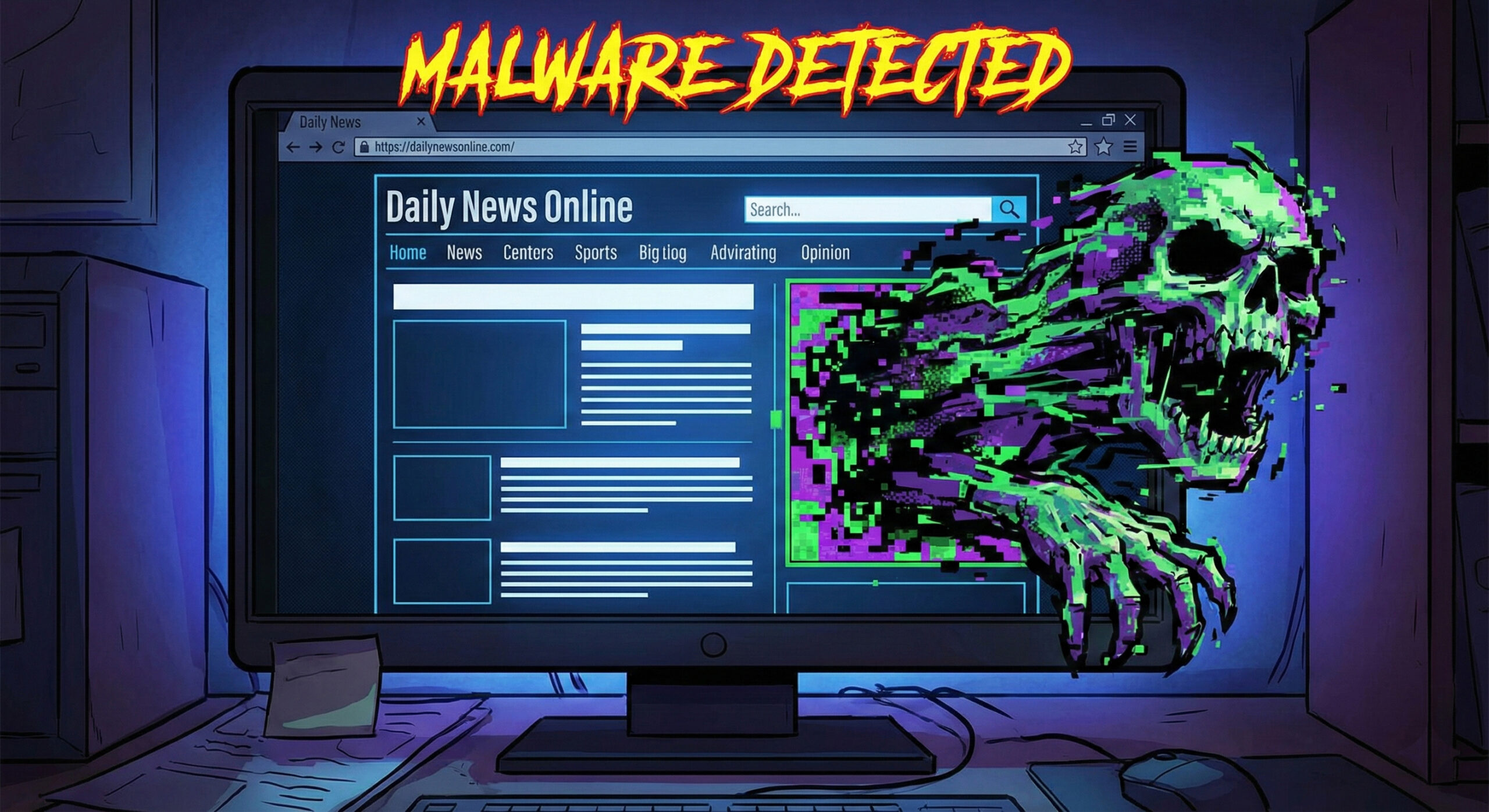
There is a common misconception that viruses only come from adult sites or torrents. "I only read news and sports, I'm safe," you tell yourself. Unfortunately, in 2026, that rule no longer holds.
Hackers have found a way to infect even the most respectable websites, without their owners knowing. The phenomenon is called Malvertising (Malicious Advertising) and it is the reason your computer can get infected while you drink your coffee and read the newspaper online. At Altanet Craiova we explain how this marketing "Trojan horse" works and how to block it.
What is Malvertising and how does it end up on good websites?
Large news sites do not manage their ads themselves. They rent the space to giant advertising networks. Hackers exploit this chain. They create an ad that looks legitimate (for example, an ad for shoes or for a cleaning utility) and pay to have it displayed.
At first, the ad is clean. But after it is approved and starts appearing on sites visited by millions of people, the hackers modify the code behind it. Suddenly, the harmless banner becomes a weapon.
The invisible danger: "Drive-by Download"
The scariest part of Malvertising is that, in some cases, you don't have to click on the ad to get infected. It is enough for the page to load.
- The silent attack: The ad contains a script that scans your browser looking for old (unpatched) versions. If it finds a vulnerability, it forces a virus to download in the background.
- The scare attack: Other times, the ad displays a giant message: "Your computer is infected! Click here to clean it". Obviously, if you click, you download the very virus you were trying to get rid of.
How do you defend against toxic ads?
Because you can't tell a good ad from an infected one with the naked eye, you need a digital shield:
- Install an ad blocker: This is the most effective method. Extensions such as uBlock Origin block ads from loading, eliminating the risk completely. You don't see the ad, you don't get the virus.
- Update your browser and plugins: "Drive-by" attacks only work if you have old software. Make sure Chrome, Firefox or Edge are up to date. Disable old plugins such as Flash or Java if you still have them.
- Use a good antivirus: A modern antivirus can detect malicious traffic coming from an ad and block the connection before the virus reaches your hard disk.
For technical details on how hackers manage to infiltrate advertising networks, you can read the explanations from CrowdStrike about Malvertising.
Conclusion
The internet is funded by ads, but when they become an attack vector, we have to protect ourselves. A simple ad blocker is not just a way to get rid of annoying ads, but an essential security measure.
If you suspect a computer in your company has been compromised, or you want to implement traffic filtering solutions at network level, we are here. Our team offers professional IT services. Visit our contact page and secure your browsing.
This material is part of the Altanet educational series on digital safety. Want to know what other risks you are exposed to this year? See The Complete List of Cyber Threats in 2026.