
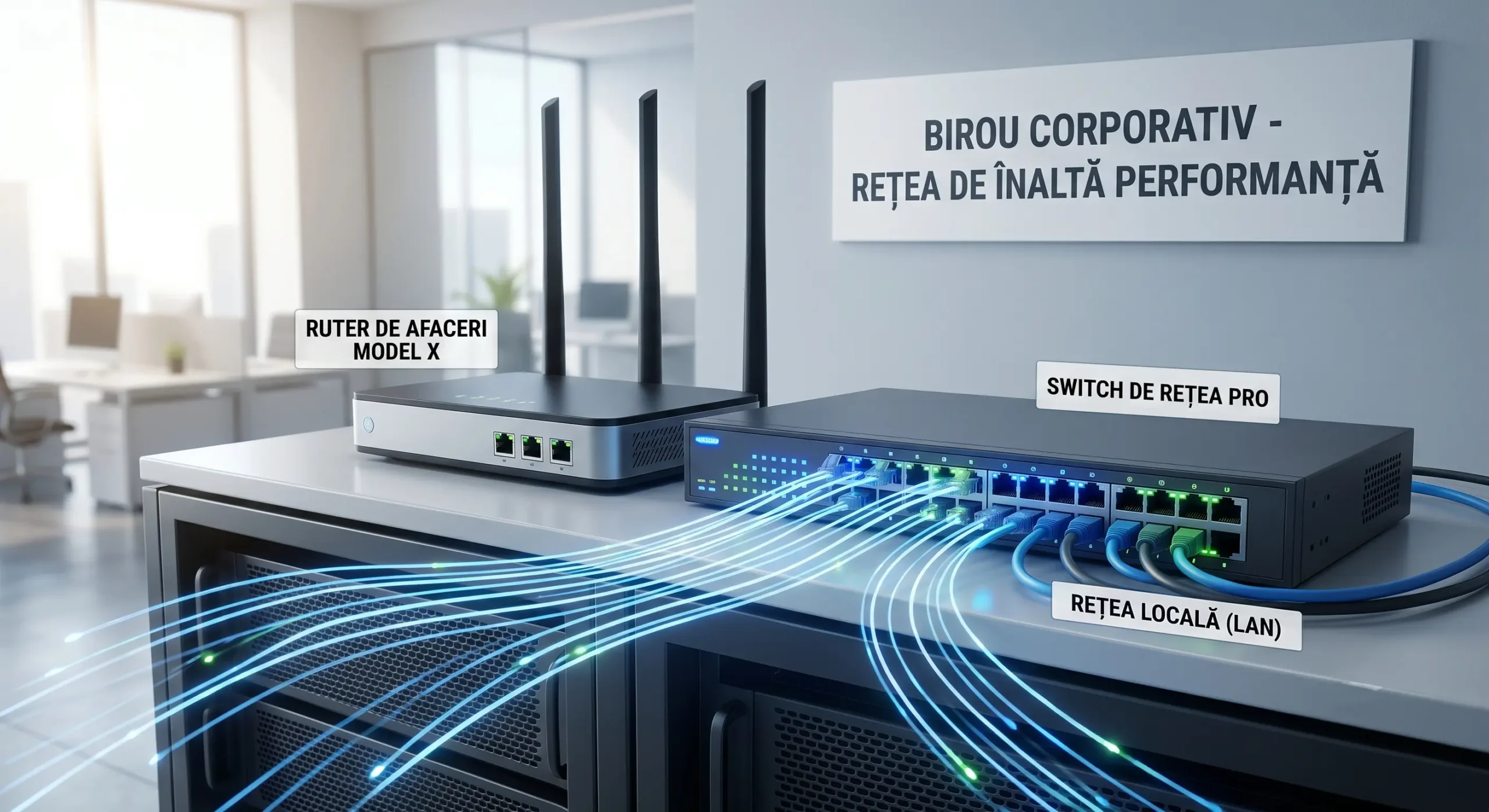
In 2026, internet speed depends directly on the hardware used in companies. Many companies invest in expensive subscriptions but use old routers. At Altanet Craiova we recommend a careful selection of infrastructure equipment. A poorly configured network slows down employees' daily work. The right choice between professional routers and switches ensures a fast and secure data flow. Modern technology provides long-term operational stability for any local SME.
Professional network devices are built to support dozens of simultaneous connections. The computers, phones and printers in an office need stable bandwidth. Home routers cannot handle a large volume of corporate data. They freeze frequently and need tiresome restarts. Investing in equipment dedicated to the business segment eliminates these unpleasant interruptions. The network becomes a solid foundation for the company's digital development.
1. The difference between a router and a switch in an office setup
The router is the main gateway to the global internet. It connects the company's premises with the outside world and protects data through integrated firewall systems. Top manufacturers such as Cisco offer advanced security solutions for corporate routers. The switch, on the other hand, handles signal distribution inside the building. It physically connects all the computers and servers into a single fast local network.
For a modern office, using switches with smart management is a must. They allow the creation of isolated virtual networks, known as VLANs. This technology is essential for separating the finance department's data from visitors. The PoE (Power over Ethernet) function is also extremely useful today. It allows surveillance cameras and IP phones to be powered directly through the network cable. This reduces the cost of installing extra power outlets in offices.
| Equipment type | Main function in the office | Recommended technologies |
|---|---|---|
| Professional router | Connects the company to the external internet | Advanced firewall and VPN protection |
| Managed switch | Distributes the signal across the local network | VLAN support and traffic isolation |
| Power over Ethernet switch | Powers smart devices | Powering IP cameras and phones |
2. Key selection factors and network scalability
Processing capacity and the number of ports are major selection criteria. A growing company needs equipment that is scalable and easy to expand. Well-known brands such as Ubiquiti focus on centralised cloud management. IT administrators can monitor the network status straight from a simple mobile app. This transparency makes it possible to quickly spot faulty cables or traffic overloads.
Port speed should be at least 1 Gbps, or even 10 Gbps for servers. In 2026, transferring large files demands huge bandwidth. Cheap equipment creates major bottlenecks in the daily workflow. Proper traffic management gives priority to video calls and online conferences. That way, call quality stays perfect even at the busiest times of day. The quality of the internal network directly reflects the company's professionalism in front of partners.
Conclusion: a solid network supports team performance
Choosing professional network equipment is not an expense, but a strategic investment. In 2026, commercial success depends directly on the speed and safety of information transfer. Business routers and switches offer control, advanced security and full stability. Preventing technical bottlenecks ensures a productive work environment for all employees. A strong digital foundation gives your company a huge competitive advantage in today's market.
This article is part of the Altanet series on corporate efficiency. To understand the big picture, see the complete IT management guide for companies in 2026. Next article: Securing guest Wi-Fi networks: protecting company and customer data.