
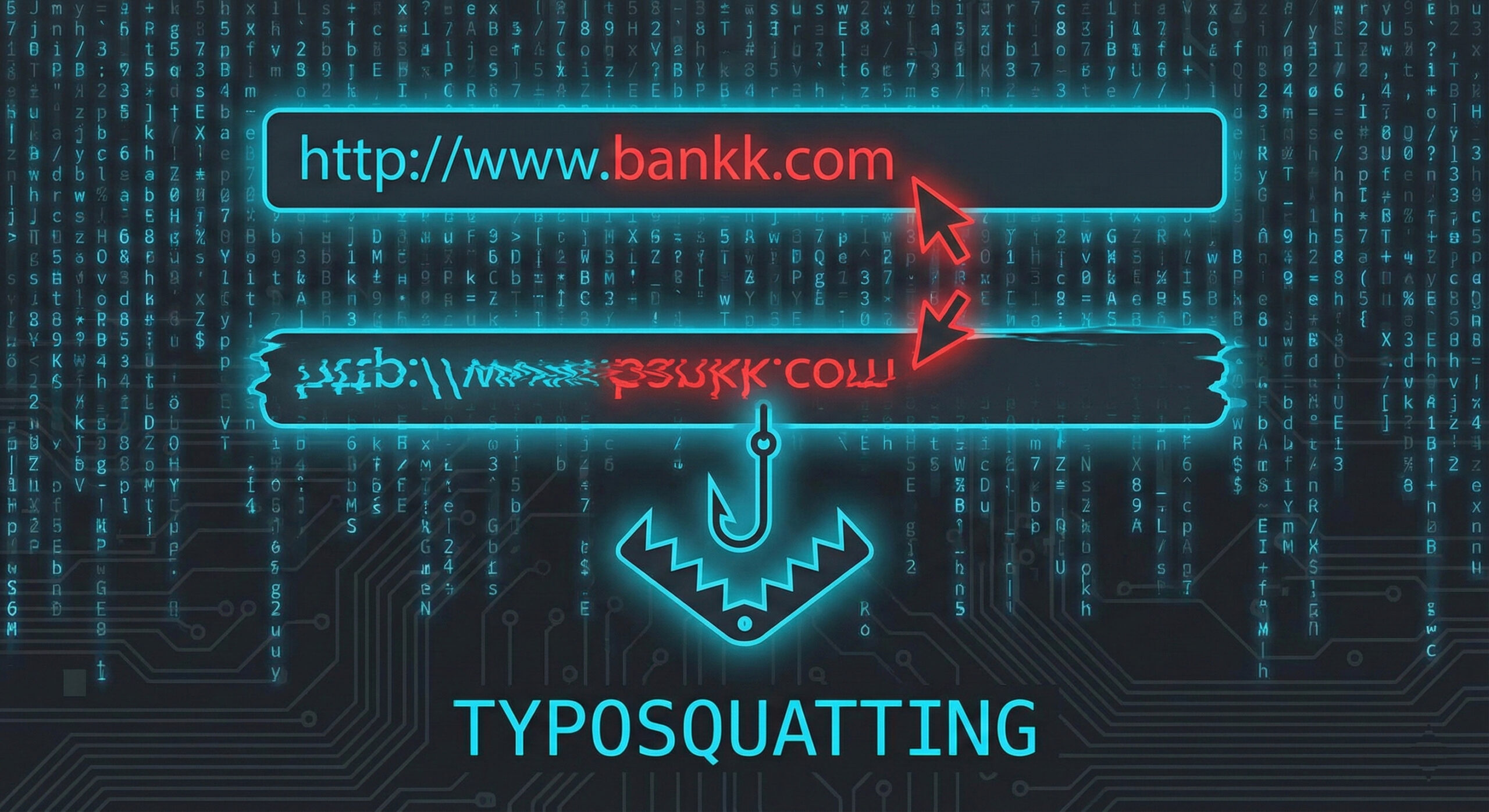
Has it ever happened to you that you wanted to go to Facebook or Google, typed the address in a hurry and pressed Enter, only to realise you had swallowed a letter? Usually, the browser corrects you. But sometimes you end up on a site that looks exactly like the original, yet behaves strangely.
This is not a simple technical error, but a trap set on purpose. The phenomenon is called Typosquatting (or "URL Hijacking") and it is one of the oldest and most effective methods of data theft. At Altanet Craiova we know that speed is the enemy of security, so we explain how not to fall into this invisible net.
What Is Typosquatting and How Does It Exploit Your Inattention?
The name comes from combining the words "Typo" (typing mistake) and "Squatting" (occupying a place unlawfully). Hackers buy thousands of web domains that look very much like popular ones, betting that users will make mistakes when typing.
For example, if the real website is example.com, a hacker could buy:
- Omitting a letter: xemplu.com
- Swapping letters: exmeplu.com
- Wrong extension: example.co instead of .com
Why Is It So Dangerous?
If you land on such a site, hackers don't greet you with a black screen and skulls. On the contrary, they perfectly copy the design of the original site (your bank, your favourite online shop or your work login page).
You think you are where you should be, enter your username and password, and the site gives you an "error" or redirects you to the real page. But the damage has been done: the hackers have already saved your data. Sometimes these sites may even try to install viruses under the pretext of "urgent updates".
How Do You Protect Yourself from Clone Sites?
The solution is not to type slowly like a snail, but to use the browser's smart tools:
- Use Bookmarks (Favourites): Don't type the address of your bank or critical platforms manually every time. Save them in the bookmarks bar and open them with a single click. It is the safest method.
- Check the address bar: Before entering your password or card details, look up. Is the site name spelled correctly? Is there a security padlock (HTTPS)? But be careful – hackers can have a padlock too! Strictly check the domain name.
- Be careful with Google searches: Sometimes hackers pay for ads so that their misspelled sites appear first in the list. Don't blindly click the first result marked "Sponsored" if the name looks strange.
To understand the technical mechanism by which attackers register these look-alike domains, you can consult the security library at Kaspersky on Typosquatting.
Conclusion
In the digital age, one letter too many or too few can make the difference between a secure account and a hacked one. Pay attention to details and don't rush when it comes to your sensitive data.
Do you need web filtering solutions for your company that automatically block employees' access to dangerous sites? Our team offers IT services for managed security. Visit our contact page and let's talk.
This material is part of the Altanet educational series on digital safety. Want to know what other risks you are exposed to this year? See The Complete List of Cyber Threats in 2026.