
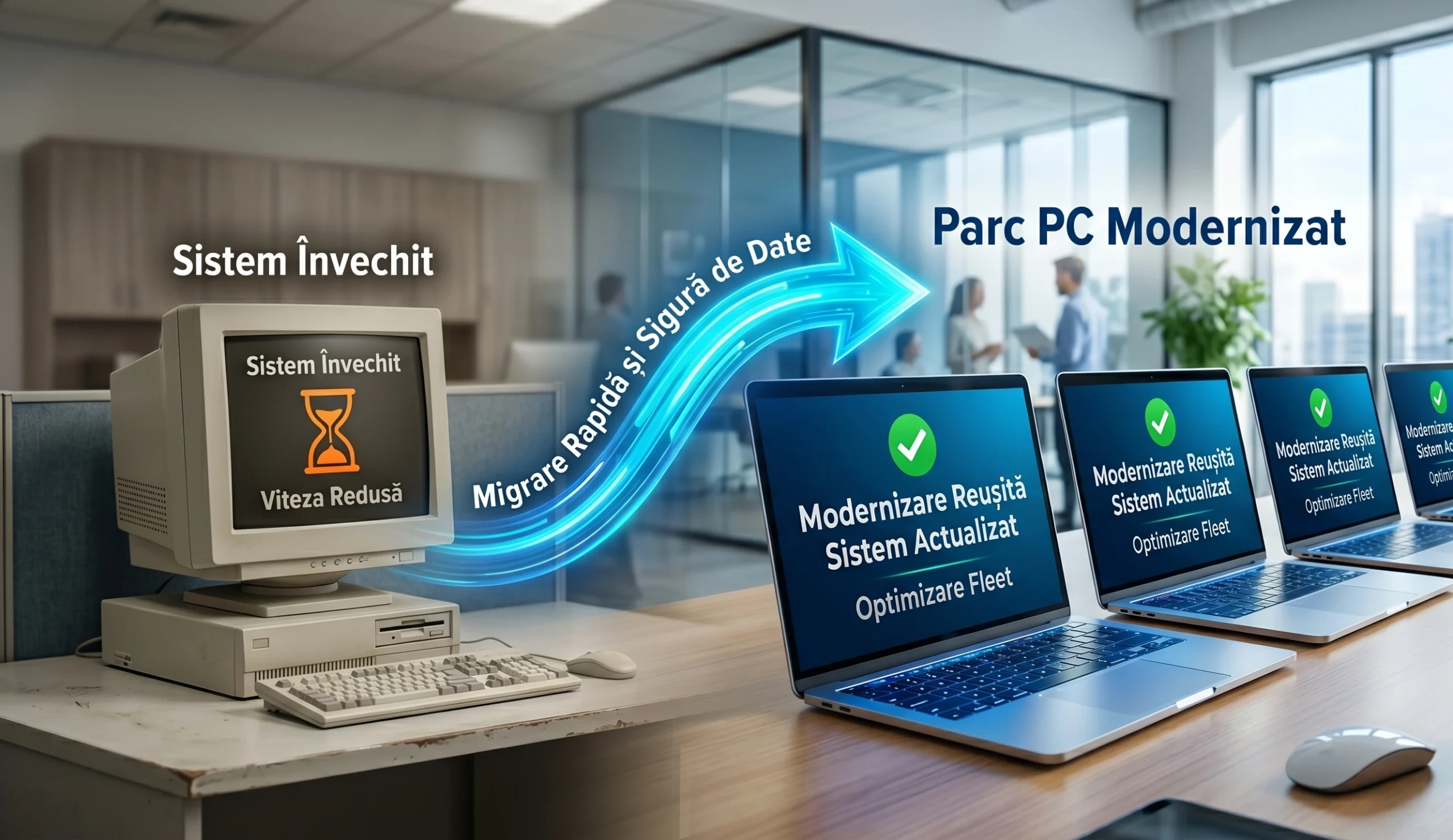
In 2026, old computers massively slow down the productivity of any company. Time lost to system errors costs money every single day. At Altanet Craiova, the focus is on modernising equipment the right way. In the industry, this process is known as migration and standardisation. All computers in the company must run exactly the same operating system. The versions of the installed applications must also be absolutely identical. This uniformity drastically reduces day-to-day technical problems. Administering the entire network becomes much faster and far more efficient.
A mixed fleet of computers creates major logistical chaos. Some laptops run an old version of Windows, while others use very recent ones. Certain programs refuse to work properly on technologically outdated systems. Standardisation completely eliminates these frustrating incompatibilities in the office. Employees can work on any computer without noticing any difference. The work environment becomes predictable, stable and very pleasant. A modernised infrastructure is the foundation of a perfect workflow.
1. Why Standardising Computers in Your Company Is Necessary
An IT department loses an enormous amount of time troubleshooting different systems. When all equipment is identical, technical support can be provided instantly. The hardware specialists at Dell recommend refreshing PC fleets every four years. A new machine uses less energy and processes data instantly. Standardisation makes it possible to create a universal system image. This image is quickly copied to dozens of computers at the same time. Installing every program by hand becomes a thing of the past.
Data security increases exponentially in a fully standardised environment. System updates are sent simultaneously to the entire laptop fleet. No computer is left behind with its security patches. Vulnerabilities are covered quickly, before hackers can exploit them. Control over all hardware is complete and transparent. The business stays protected and aligned with modern digital requirements.
| Performance indicator | Non-standardised PC fleet (mixed equipment) | Standardised and modernised PC fleet |
|---|---|---|
| New software installation time | Entire days (individual manual installation) | A few minutes (automated mass deployment) |
| Technical support costs | High (diverse and unpredictable problems) | Low (known errors that are easy to fix) |
| IT security level | Vulnerable (old, unpatched versions) | Maximum (updates applied centrally) |
2. The Migration Process and the Safety of Transferred Data
Data migration is the most delicate moment of this technical process. Old files must be moved to the new computers without any loss whatsoever. Professional companies use dedicated software tools to clone hard drives. Major partners such as Microsoft ensure seamless transitions through OneDrive or SharePoint. Each employee's settings are copied and restored on the new device. Switching to a new computer thus becomes a pleasant experience.
Migration is scheduled intelligently so that work is not blocked. This huge data transfer is usually carried out over the weekend. On Monday morning, the team finds new computers that are much faster and ready to use. Downtime for the company is reduced to zero. Employees become productive immediately and enjoy superior technology. The end result is a fast, clean and highly efficient business.
Conclusion: A Solid Foundation for Everyday Work
Migrating and standardising PC fleets is not just an expensive technological whim. In 2026, this measure ensures survival in an extremely competitive market. Slow computers destroy employee morale and immediately drive away dissatisfied customers. Through standardisation, the company gains speed, security and enormous ease of administration. Eliminating frequent errors increases productivity and brings smiles to the team. Hardware modernisation is a smart decision with positive long-term effects.
This is the last article in our series dedicated to corporate efficiency and security. Did you miss a topic? See the full list of materials in this guide below and make sure your company is protected in 2026!
The complete series: IT Management and Infrastructure for Successful Companies
- Pillar Guide: IT Infrastructure Audit: The First Step Towards a Secure and Efficient Company
- 1. Proactive IT Maintenance: How to Prevent Network Outages Before They Happen
- 2. Outsourcing IT Services: Advantages and Cost Savings for Local Businesses
- 3. Disaster Recovery and Business Continuity: The Essential Emergency Plan for SMEs
- 4. UPS Systems and Power Management: Saving Servers and Data During Power Outages
- 5. Hybrid Backup Solutions: Protecting Data Across Local Servers and Cloud Platforms
- 6. Zero Trust Architecture in Practice: Securing Employees Who Work from Home or in a Hybrid Setup
- 7. Workstation Security: Essential Protection Against New Cyberattacks
- 8. Professional Network Equipment: How to Choose Routers and Switches for Your Office
- 9. Securing Guest Wi-Fi Networks: Protecting Company and Customer Data
- 10. Migrating and Standardising PC Fleets: Essential Steps for Modernising Your Company's Computers